Skip to forum
Notifications
Clear all

HEM 2 & postgres

8 Posts
2 Users
0 Reactions
1,352 Views

I'm sure I'm not the only one to have asked about this, but I spent all day yesterday looking for answers but to no avail despite trying out all suggestions I could find. I'm having the same "cannot connect to the postgreSQL database that other people are experiencing"

One thing that strikes me odd though is that to begin with it works just fine. No connection problems and the HUD works just fine on tables. It only seems to work for 14 hands though (why 14?) and then stops working completely.

I have uninstalled and re-installed 4 times now with the same result.... It works just fine until 14 hands are played and then the bloody thing just will not work anymore.

Any ideas?

Thanks


Reply
Quote
7 replies
netsrak
Joined: 11.03.2006

Is your HDD full?
Are you using any 3rd party firewall, anti-spyware, adaware, tuning or registry cleaning programs? and if yes which ones?

Usually the "Can't connect..." message comes directly after starting HM or after a crash. Coming up after 14 hands makes no sense for me.

After you get this message can you check whether the postgresql service is still running in the windows services?
Can you connect via pgadmin?
What do you need to do to get it working again?


Reply
Quote

Hi netsrak

Thanks for the reply

I can't see why my HDD would be full after having only just installed HEM2. How do I check?

I am running avast antivirus which I am lead to believe is postgres friendly

Yes, the postgres windows service is still running.

To get it working again I need to uninstall and then re-install postrgres. Nothing else seems to work and the same problem occurs on each new install.


Reply
Quote
netsrak
Joined: 11.03.2006

To check your HDD you can use windows explorer or workplace. There you should see the free space on C:

Please configure the exceptions for your antivirus software: http://hm2faq.holdemmanager.com/questions/1011/Software+Security+Problems+%28Firewall%29

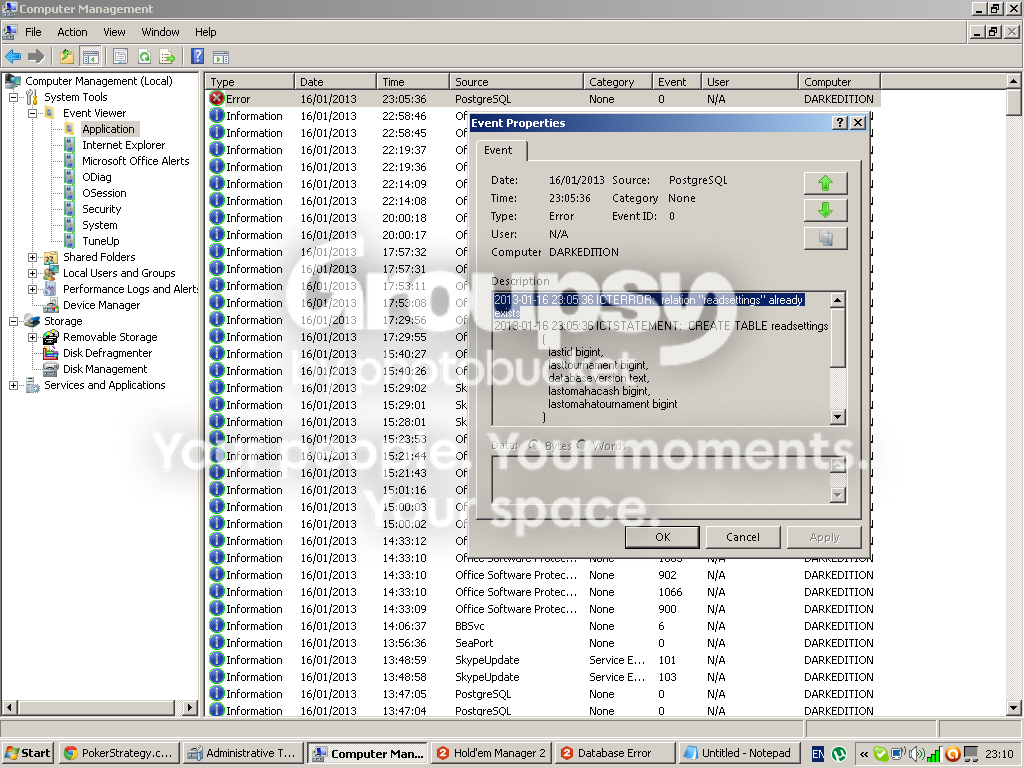
After the next crash please check the windows event log for postgresql errors.

Which operating system are you using?
Are you installing a stand-alone Postgresql version (if yes which one?) or are you using the HEM integrated postgresql installer?

Please check the windows services again - do you have more than one postgresql service?


Reply
Quote

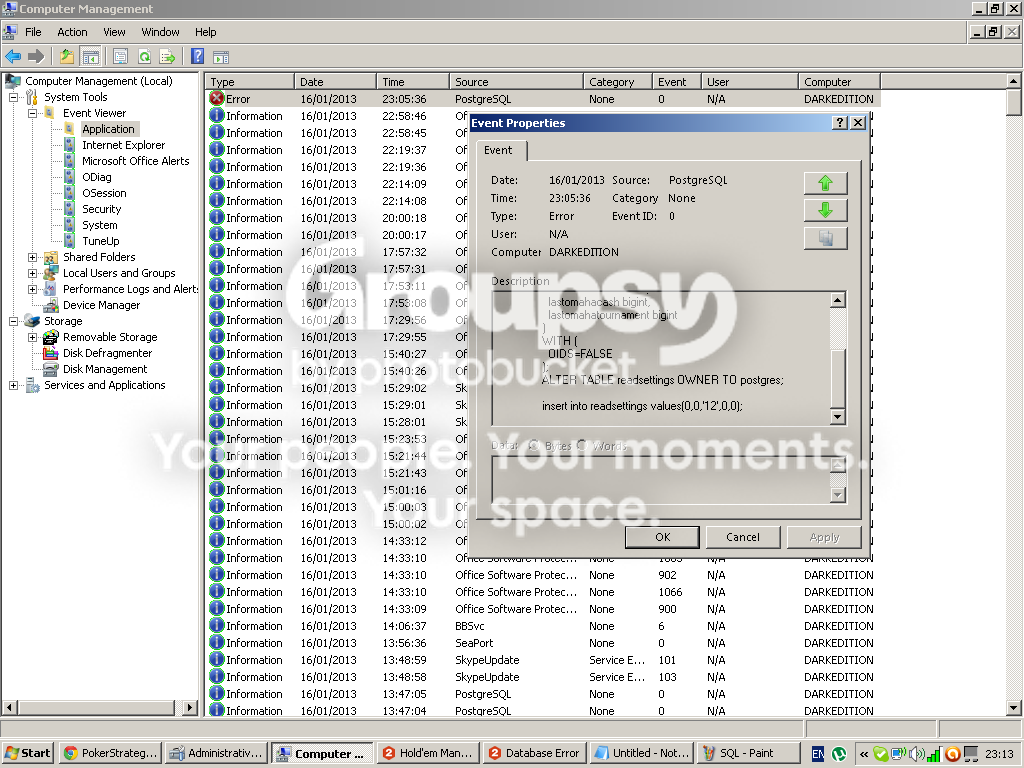
I have a postgres error in the event log.

I'm using XP
I'm using the HEM integrated postgres installer
I have only one one postgresql service in windows services

hope this helps.


Reply
Quote
netsrak
Joined: 11.03.2006

Those messages are normal :) You can ignore them.

But i see TuneUp in your EventViewer. This can cause problems. Please uninstall it.
Uninstall Postgresql as well and download and install latest Postgresql 8.4 from www.postgresql.org


Reply
Quote

I tried the above only to experience the same problem again.

The 14 hands issue seems to me to be at the heart of this. This time around, after doing the above, HEM2 was working just fine as before. This time though I was having a terrible time and played 3 consecutive games (SNGs) in a row where I was out in about 10 hands.

It seemed to be working fine at that point and I thought it was fixed......until the 4th game. The 4th game went better but at one point I noticed that the same error had occurred with the database and no prizes for guessing after how many hands it froze. As before, I now get the database error from the start and it doesn't work at all.

Reaching 14 hands in a single game appears to be the trigger.


Reply
Quote
netsrak
Joined: 11.03.2006

You should run a hardware diagnosis on your computer and check your RAM, HDD, ....
There is something wrong with it.

If thats ok you might consider a fresh windows installation.


Reply
Quote