



Hello,
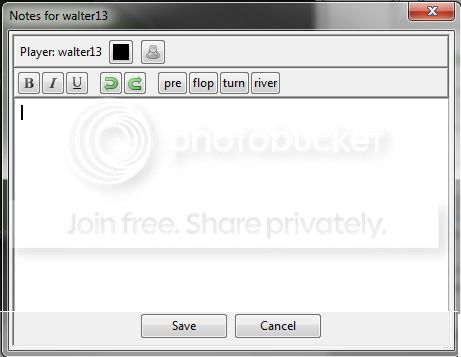
I use the note editor always when I play. My problem ist that the notetracker take too much place in the note editor. What do I have to do to remove the notetracker from the note editor so that the editor look like this:
Hello,
I use the note editor always when I play. My problem ist that the notetracker take too much place in the note editor. What do I have to do to remove the notetracker from the note editor so that the editor look like this:
Hey JurassicDaniel,
If you want to delete NoteTracker's entries from existing notes you can do this by going to Tools -> NoteTracker and clicking Purge

You can also completely turn off the note definitions via Tools -> NoteTracker -> "Edit" page. Click on each note, untick "Active" (below the list) and click "Save" in the bottom right corner. Repeat for all note definitions. 

Kind regards,
 Crimson
I want to remove the following - how can I do that?
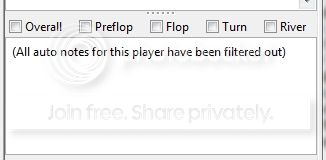
so that I look like the photo above (in my first post)
It's not possible to configure the note window to not display that section at this time.


