
Skip to forum
Software stuck at "...
 
Notifications
Clear all

Software stuck at "Downloading files..."

5 Posts
2 Users
0 Reactions
10 K Views
monteCarlol
Joined: 24.08.2019

Hi,

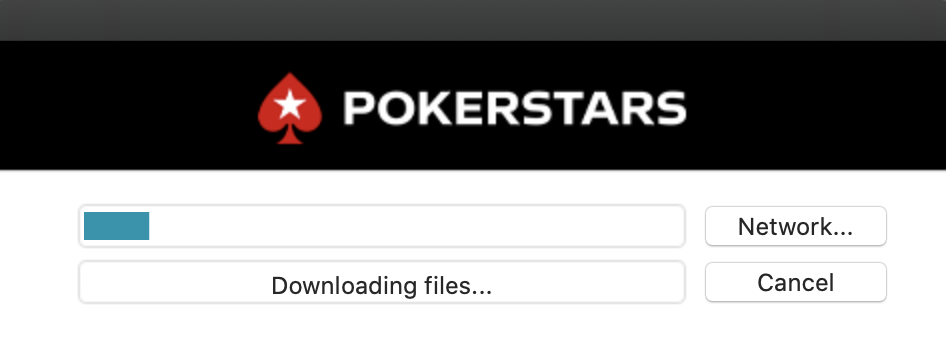
I am on macOS and the download of the current PokerStars Software stops at about 3-5 MB.
It is the same behavior regardless of if I update directly via the client or if I trigger the download from their website. Tried Chrome, Firefox and Safari. All the same. Any help is highly appreciated! 🙏🏻


Reply
Quote
4 replies
monteCarlol
Joined: 24.08.2019

Now I was able to download the package via Firefox after deleting the cache.

But I am still stuck here:

I have deleted all PokerStars related files from the

~/Library

folder.


Reply
Quote
Super Moderator
VorpalF2F
Joined: 02.09.2010

Sorry -- no clue about Macs
On Windows, the steps are:
:diamond:  Preserve your notes file (notes.<username>.xml)
:diamond:  Remove manually all PokerStars data folders and software folders
:diamond:  download a new installation from scratch
:diamond:  re-install
:diamond:  put all your settings back the way you like 'em
:diamond:  replace your notes file.

I presume similar would work for the Mac, but I've no idea where those files and folders would be.

The fact that it is having difficulty downloading might indicate that the problem is at their end.
Maybe try again in a few hours...

Best of luck :gl:,
VS


Reply
Quote
monteCarlol
Joined: 24.08.2019

Work again after installing latest macOS version Big Sur.


Reply
Quote
Super Moderator
VorpalF2F
Joined: 02.09.2010

Good to hear.


Reply
Quote