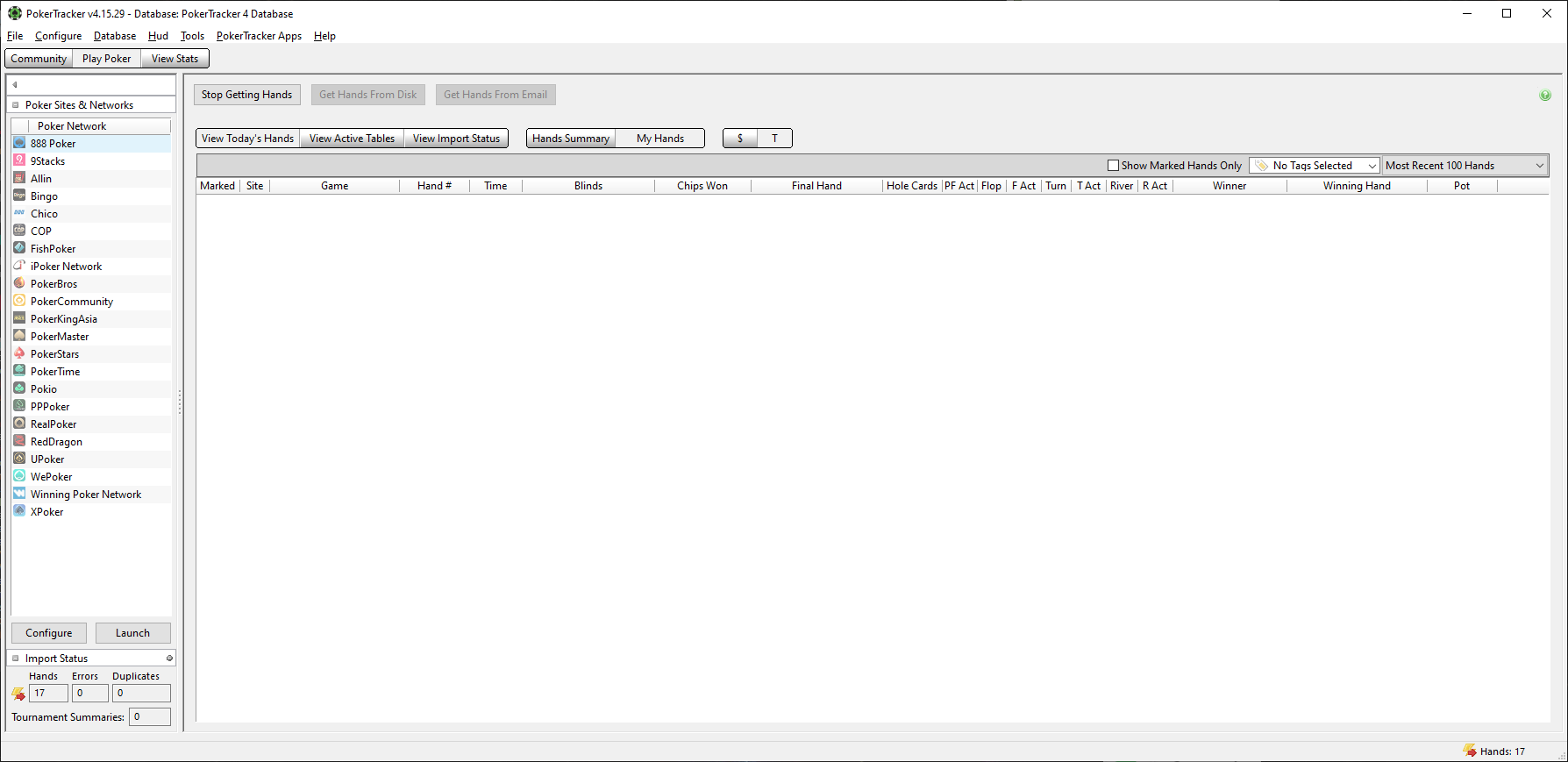
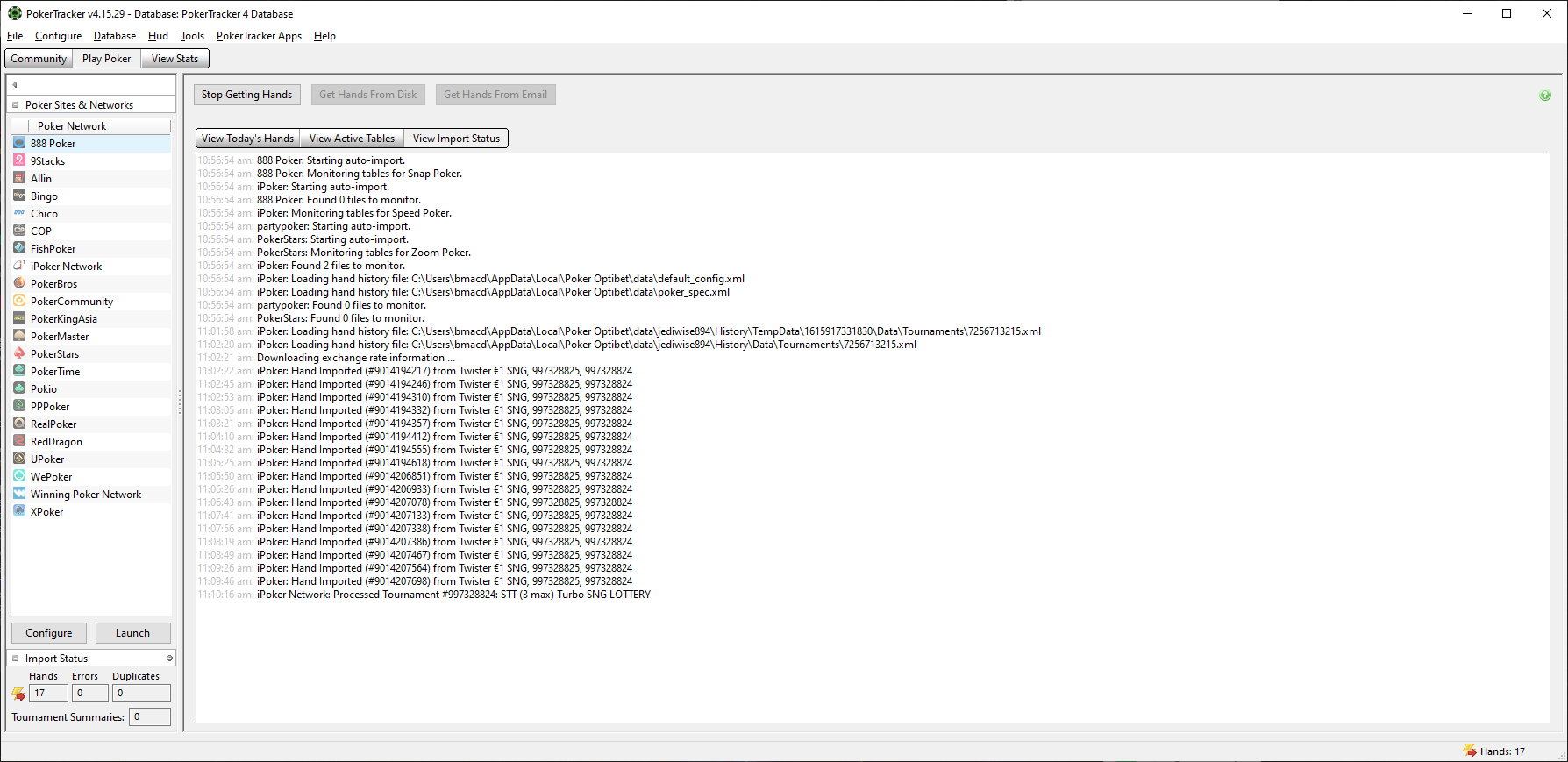
Your auto import folder for Optibet is set too high and that can cause problems when PokerTracker 4 searches that folder and all of its subfolders. Please reconfigure and point PokerTracker 4 to the second 'Data' folder inside the history folder and no higher than that:
C:\Users\{Windows Login}\AppData\Local\{iPoker Client Name}\data\{iPoker Screenname}\History\Data
Also iPoker do not specify the timezone in their hand histories so are the hands importing with the correct date/time into PokerTracker 4? The iPoker lobby time (bottom left) should be set to the server time (the option that isn't "local" in the dropdown list) and then set in PokerTracker 4 using the time zone option in your last screenshot (if your specific iPoker skin isn't in the list then you can pick any as long as it uses the same timezone).
- Rob