Hi, helliaspapas...
No modification necessary.
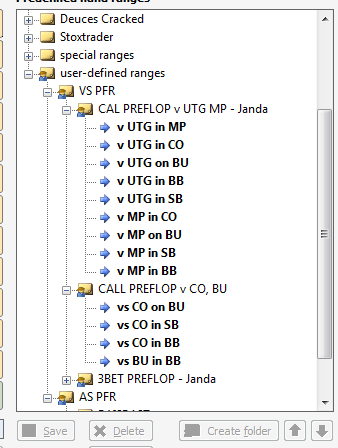
The file that holds the user-defined ranges is called: PreflopUserdefined.ini
The simplest way to find its exact location is to open an explorer window ("My Computer") and in the address bar type:
%localappdata%\equilab
I presume that this will work with Windows 8 as well as Windows 7
If you still have XP, it is the same, but without the word "local".
You will need to have the option to view hidden and system files turned on.
Once you have located the file, open it in a plain text editor.
Notepad will work.
Wordpad or any editor that provides formatting will mess things up.
Once you have created the ranges you want to give to someone, they will be in the file.
If the someone copies your file into the same folder on their computer, then they have all the ranges.
The problems come in when they also have ranges they want to keep.
Then it will be necessary to edit the file(s) to merge them.
I have no idea what happens if both files have a range of the same name, or a subfolder name that is the same. If that is the case, I suggest just edit one of them.
So...
Create several user-defined ranges at several levels.
Examine the file, and you will know everything I do about its structure.
Have fun!
--VS