Skip to forum
[OFFICIAL Support T...
 
Notifications
Clear all

[OFFICIAL Support Thread] Power-Equilab - Equity calculation tool

346 Posts
81 Users
46 Reactions
175.3 K Views
nopi
Joined: 18.08.2006

Version 1.9.7.0 is out now.

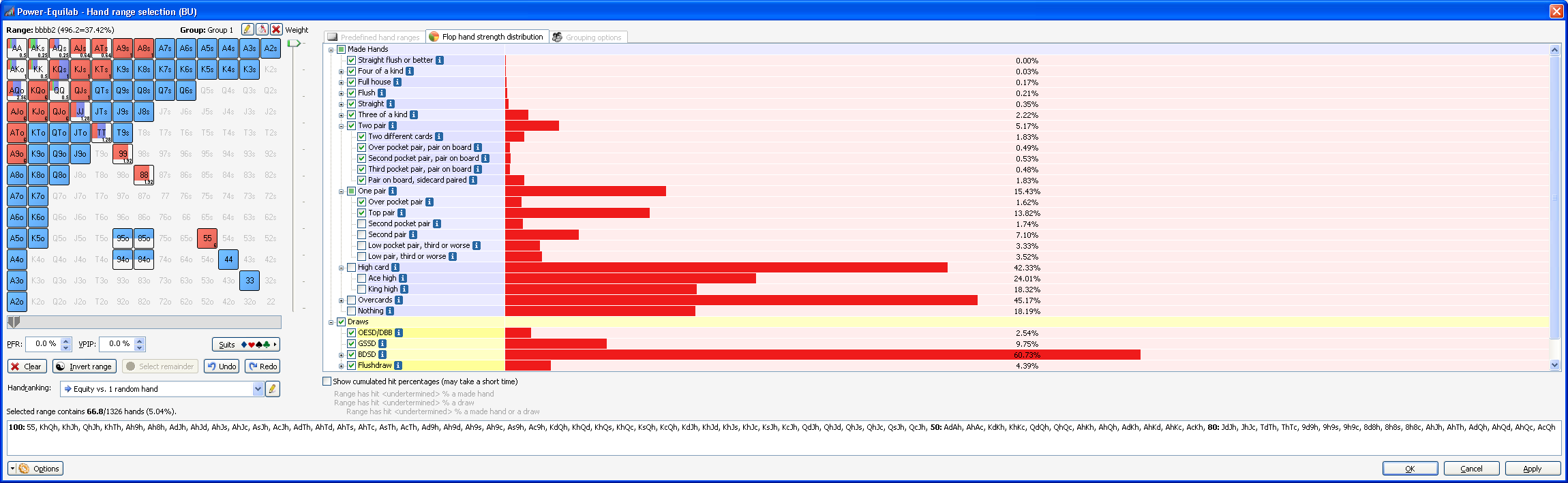
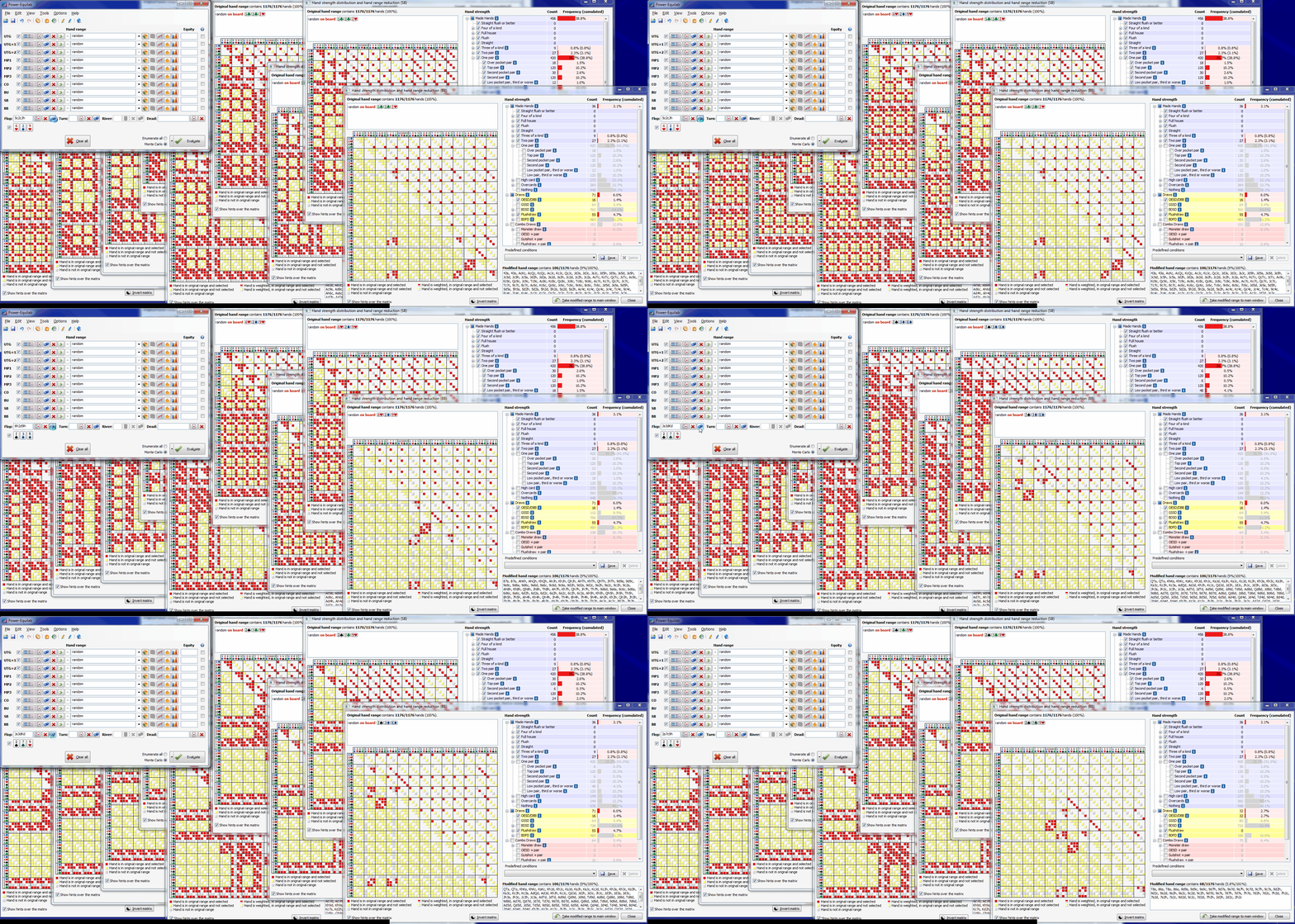
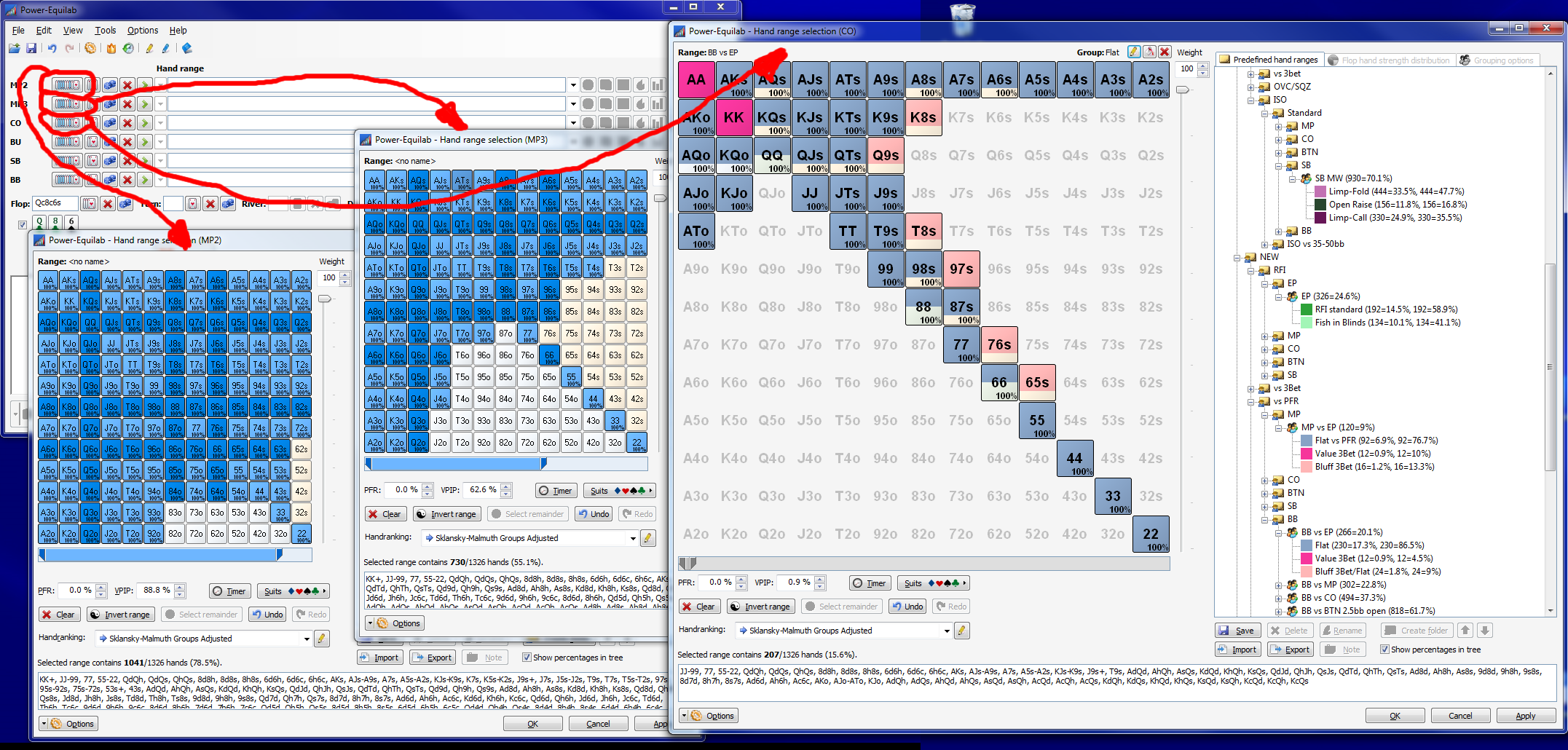
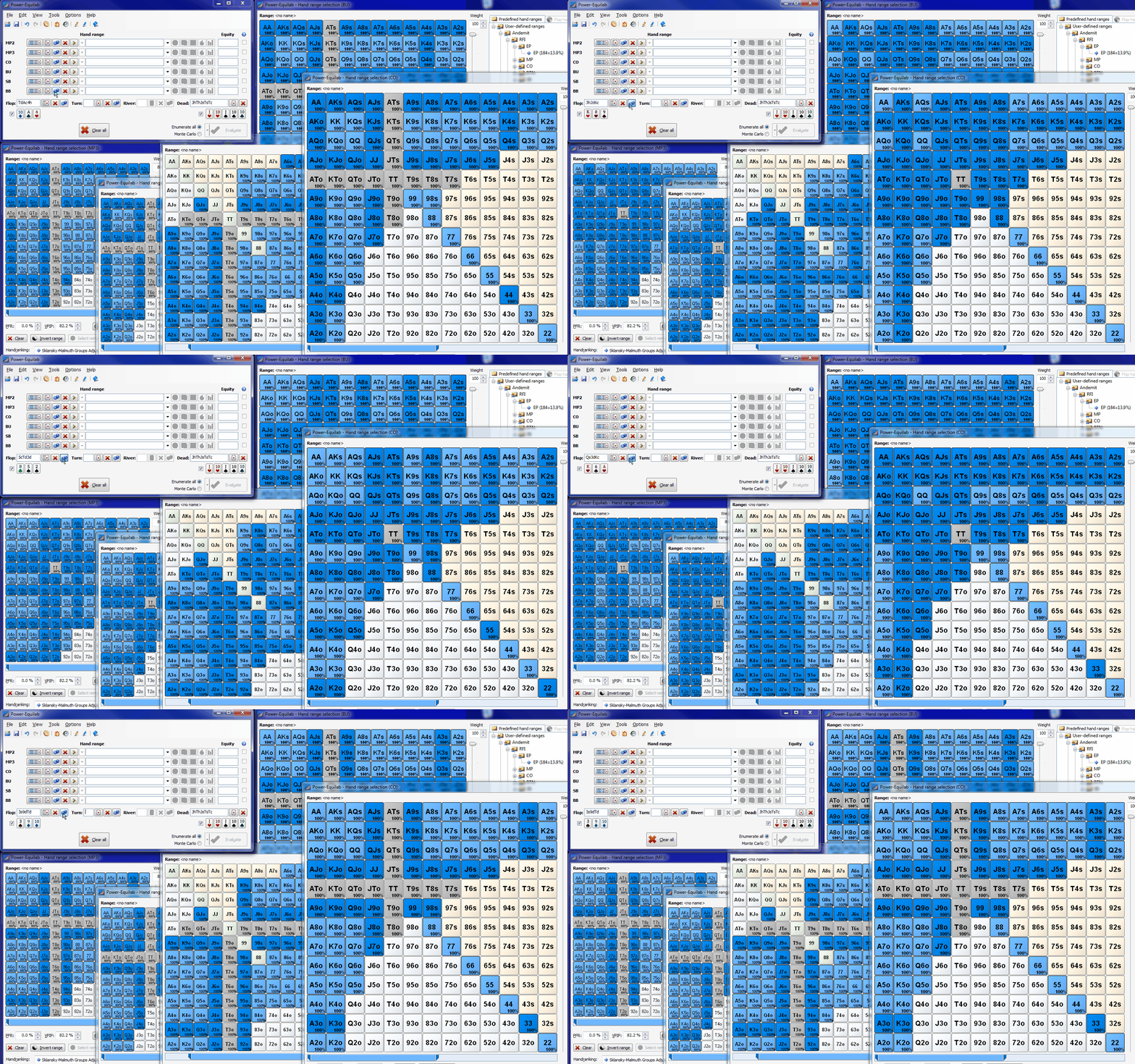
Now the "Handstrength distribution and handrange reduction"-window is implemented as a nonmodal window. You can change the board/dead-cards in the mainwindow and the content of the handstrength-window will be adjusted accordingly. If you like to take a changed range to the handstrength-window, you only have to click the pie-button again.

In order to compare ranges, you can open for every input field in the mainwindow one handstrength-window.

This works up to ten ranges.
best regards, nopi
Reply
Quote
nopi
Joined: 18.08.2006

Version 1.9.8.0 is out now.

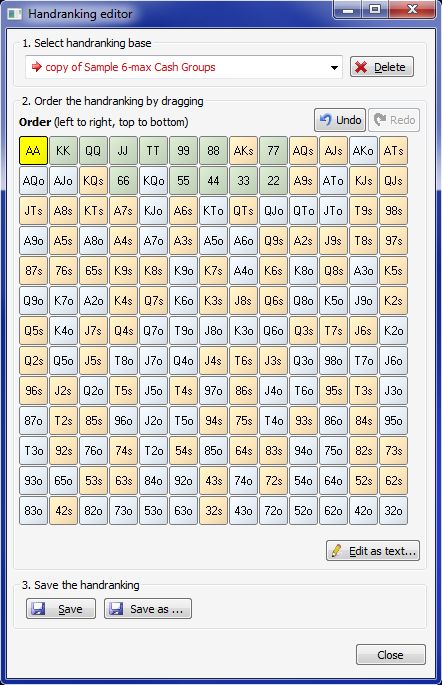
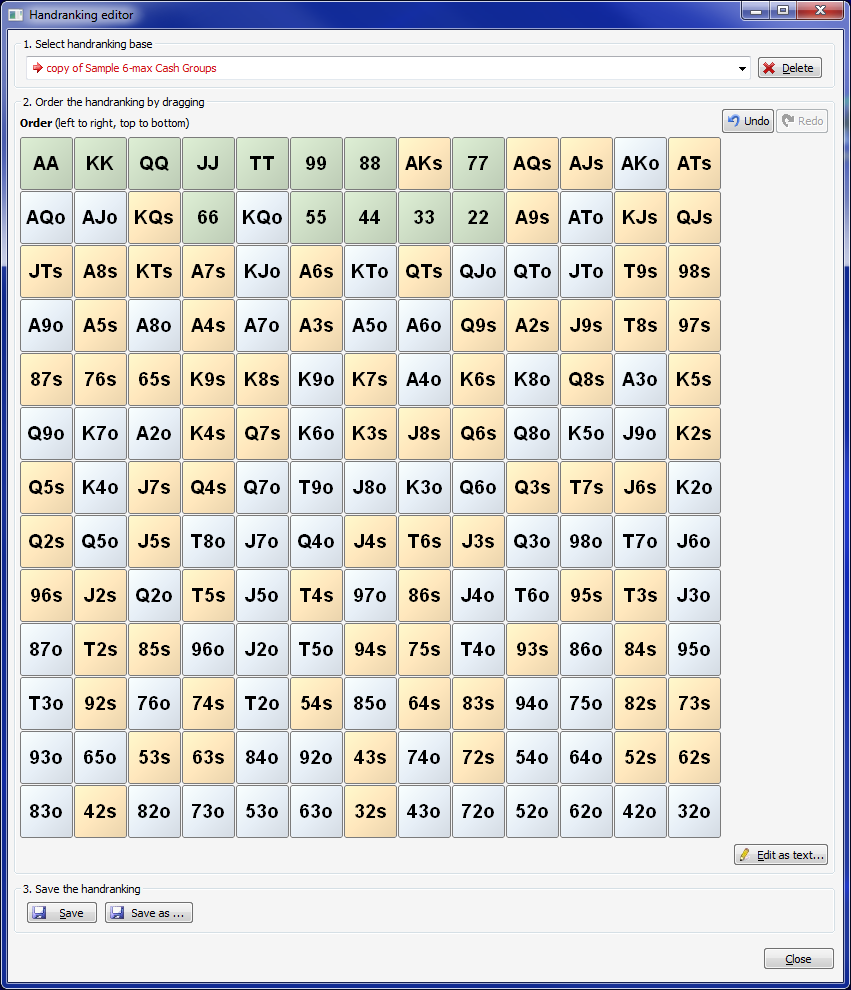
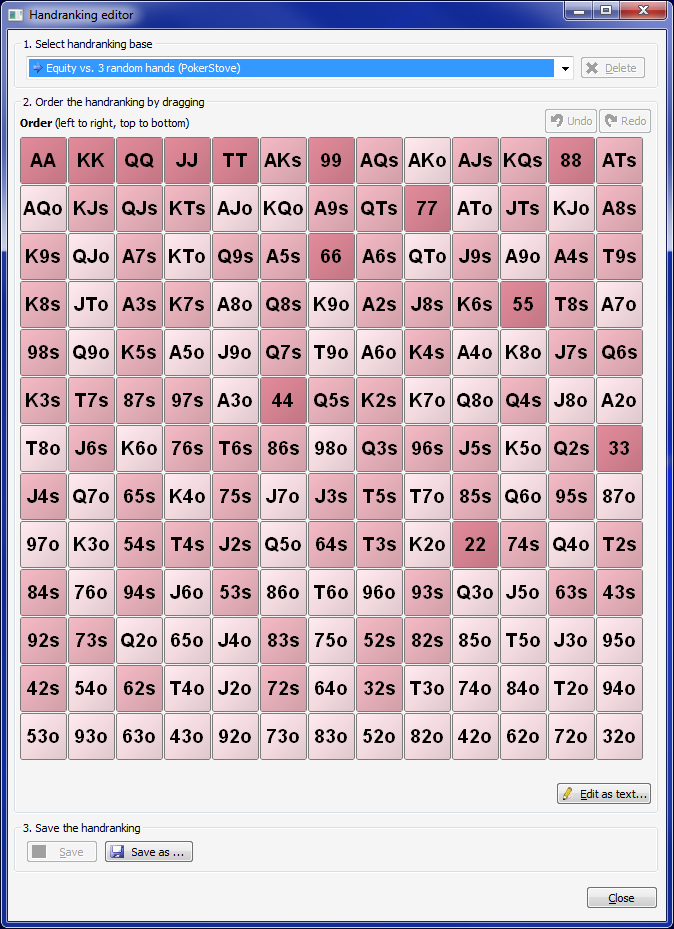
Now the "Handranking editor"-window is resizable.

normal size:

bigger:

Of course, the current color theme is taken into account:

best regards, nopi


Reply
Quote
nopi
Joined: 18.08.2006

Version 1.9.9.0 is out now.

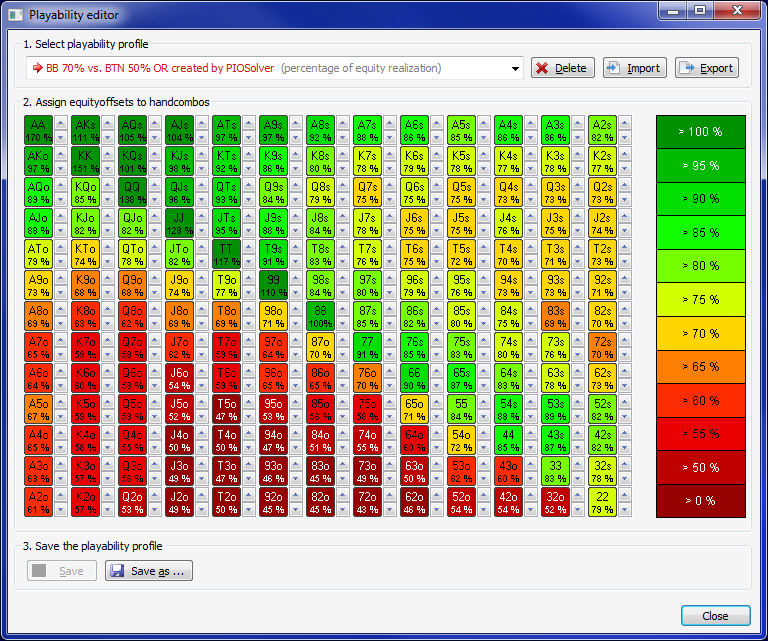
Now the Playability editor"-window is resizable.

normal size:

bigger:

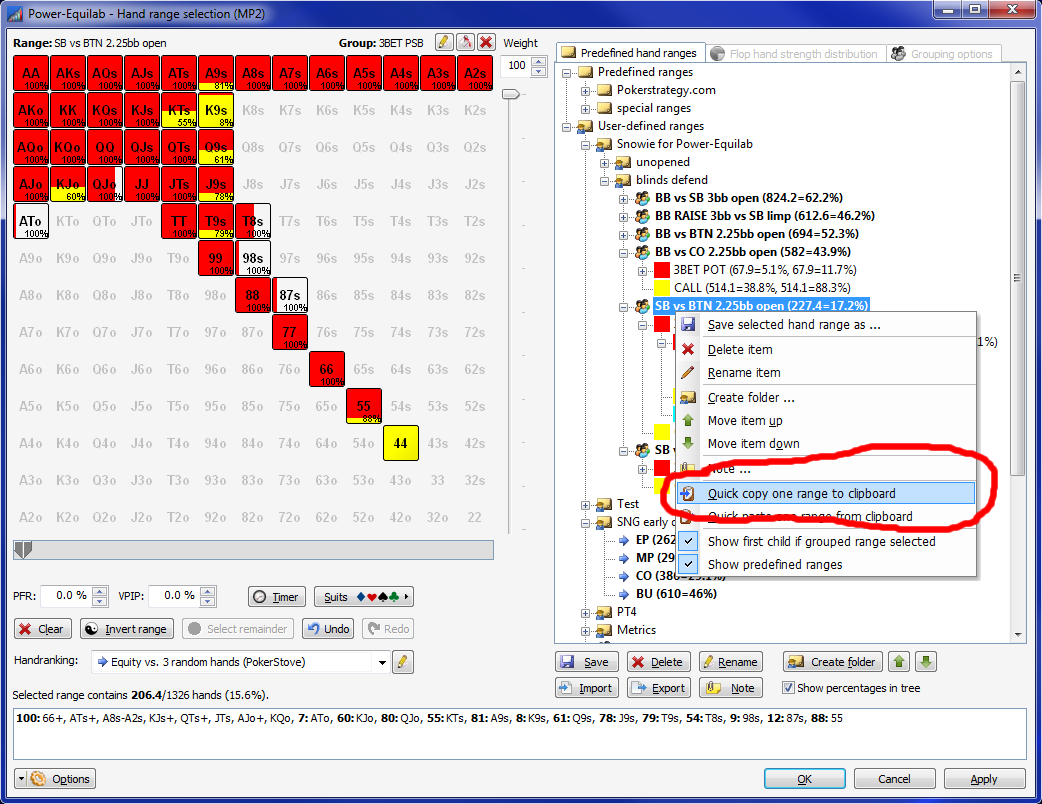
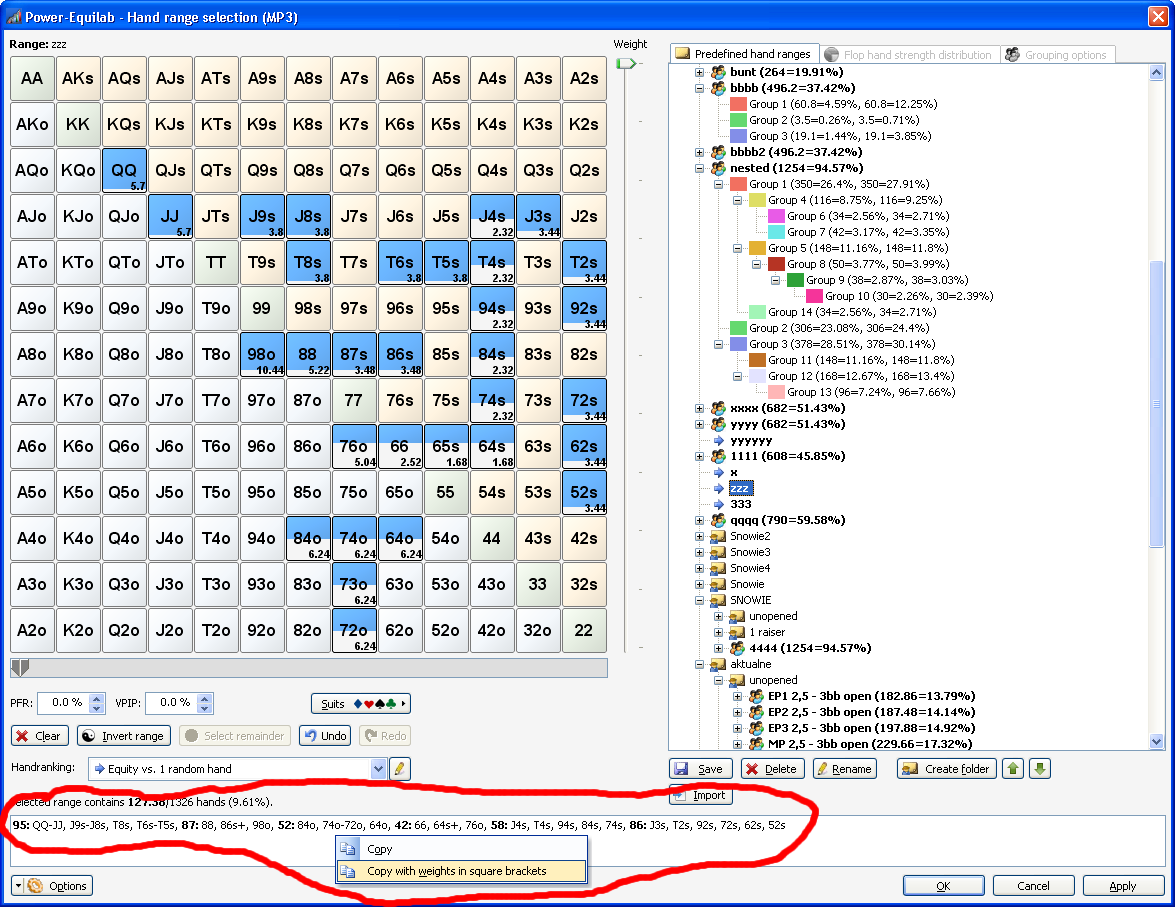
The handrange selection window now contains options to copy/paste a complete range (with/without groups and/or weights) to/from clipboard.
This option is usefull to copy ranges and f. e. to share a range via Skype with a friend.
Just popup the context menu with mouse right click and select the desired option:

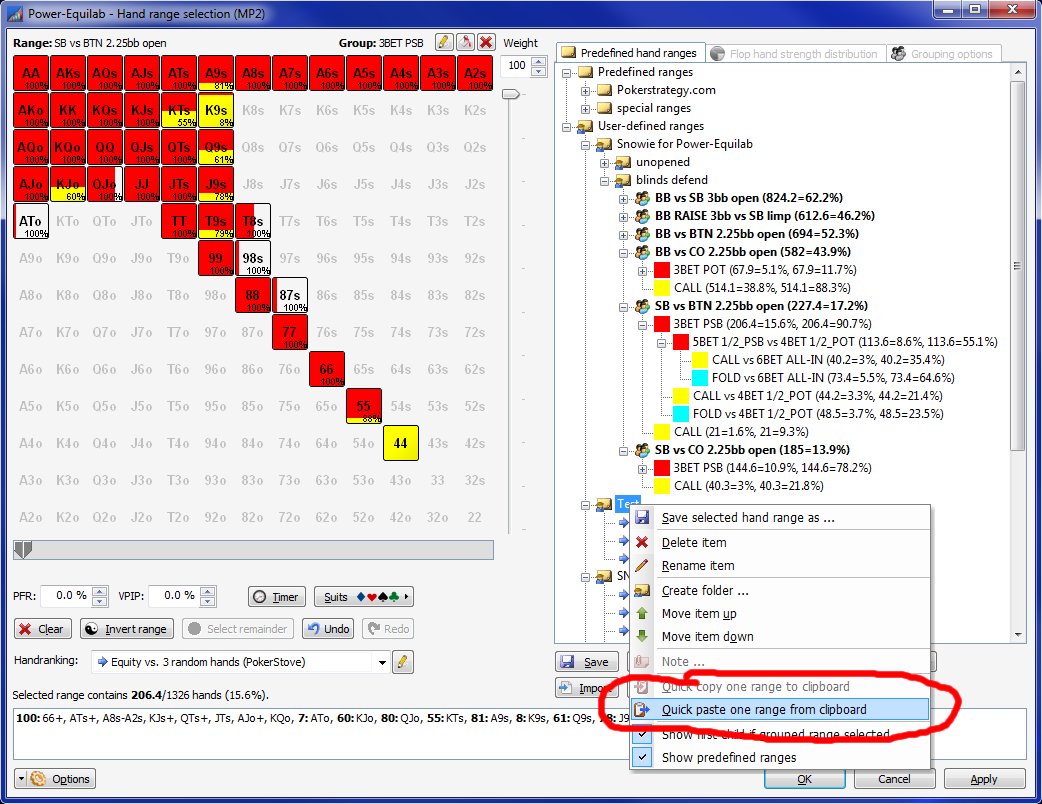
Anywhere in your rangetree you can paste this range:

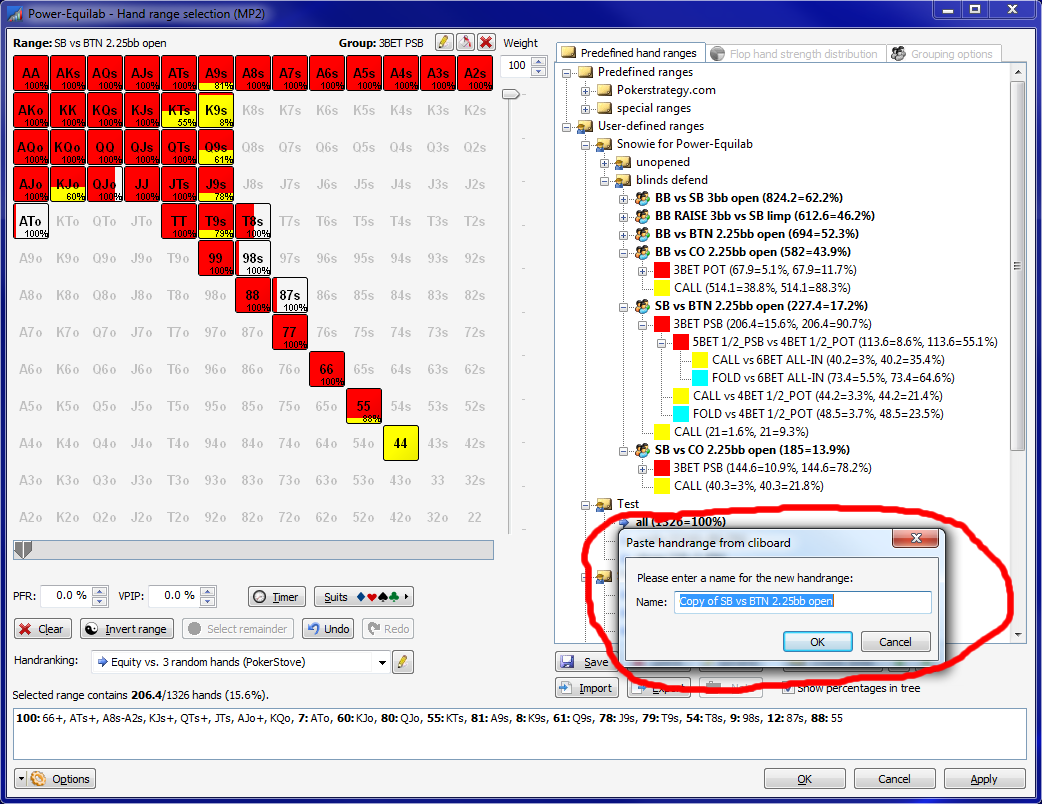
You can enter a new name:

... and will see the copy instantly:

best regards, nopi


Reply
Quote
nopi
Joined: 18.08.2006

Version 1.9.10.0 is out now.

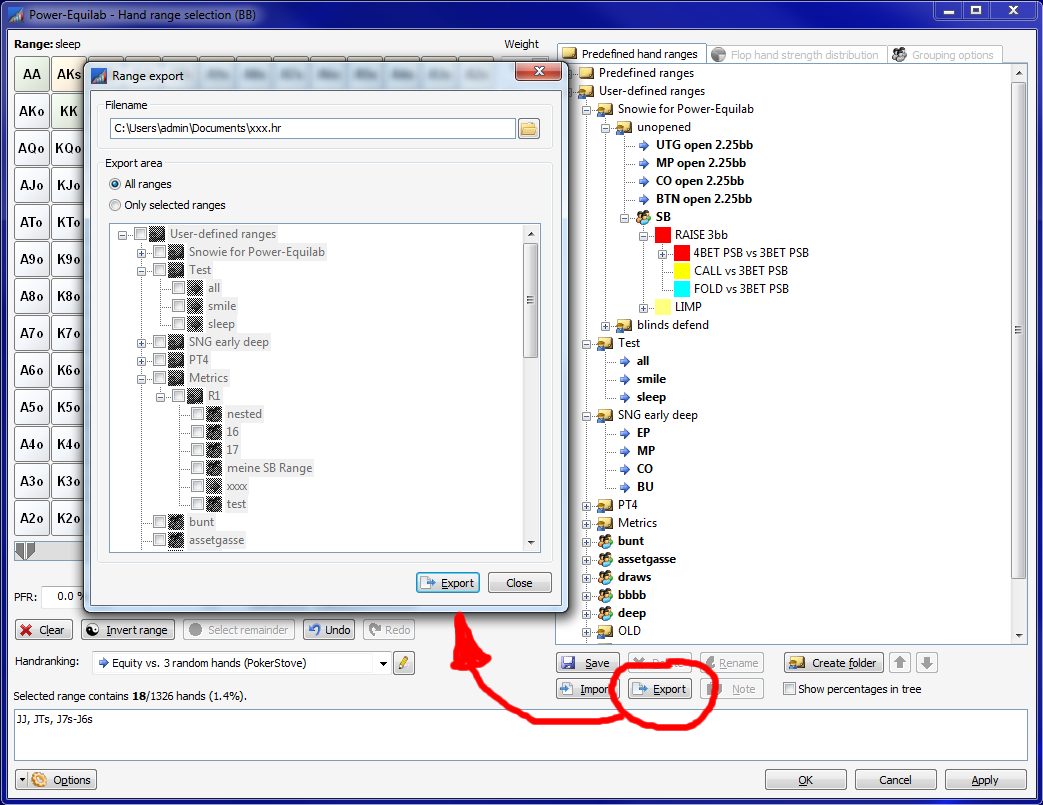
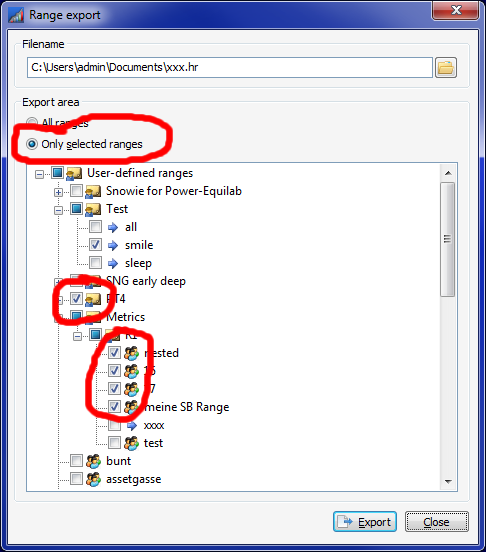
Now, in the handrange selection window you can choose which handranges should be exported instead of exporting all.

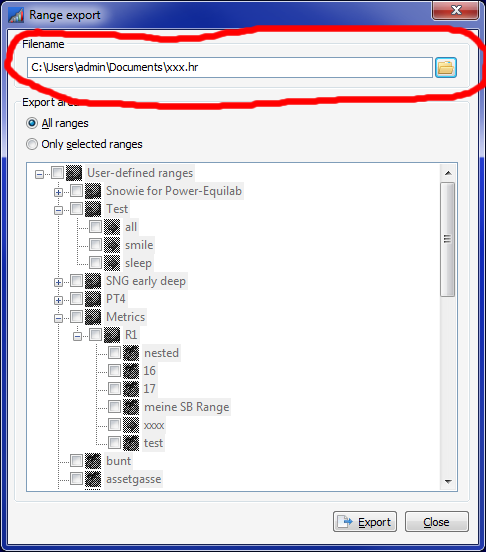
Select the desired export file:

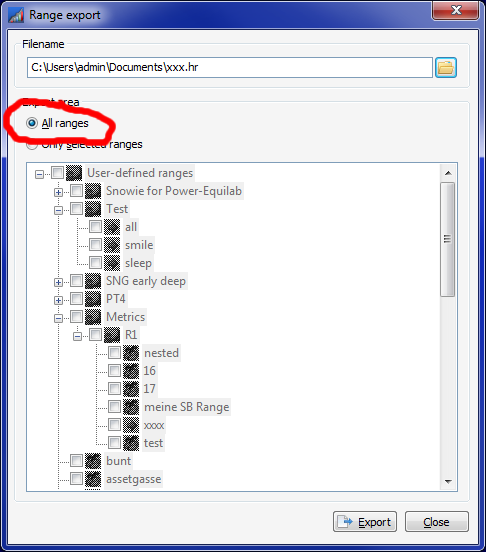
Choose all ranges or a subset of your handranges:

Mark the handranges to export by clicking the small checkboxes:

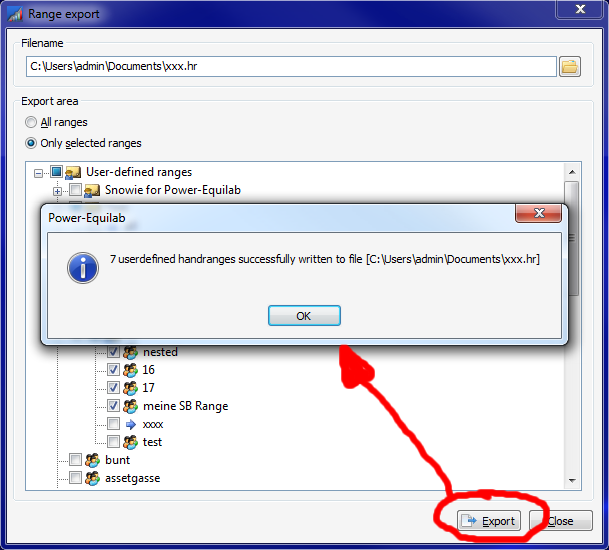
If your ranges are successfully written, you will get a small confirmation:

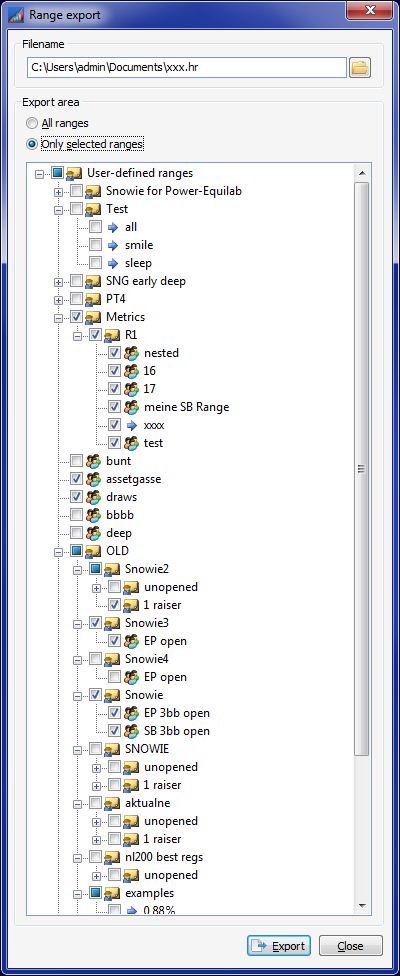
Of course, the export window remember it's size and the treestate:

best regards, nopi


Reply
Quote

Hi nopi,

Thanks for this such a cool program. Please don't stop with improving.


Reply
Quote
olegarh3000
Joined: 13.03.2010

Hi! No work export.


Reply
Quote

I am trying out equilab to see if i want to buy it
Can I use it for plo and if so how?

Thanks


Reply
Quote
nopi
Joined: 18.08.2006

Originally posted by tkf82
I am trying out equilab to see if i want to buy it
Can I use it for plo and if so how?

Thanks

Hi tkf82,

Power-Equilab is designed for Hold'em games only.
If you like to analyse PLO games, you can use the free Equilab-Omaha: http://www.pokerstrategy.com/poker-tools/equilab-omaha/

best regards, nopi


Reply
Quote
nopi
Joined: 18.08.2006

Version 1.9.16.0 is out now.

Now, you can open multiple handrange selection windows. This is very usefull to compare ranges.

Of course every board change in the mainwindow will affect the open handrange windows immediately.

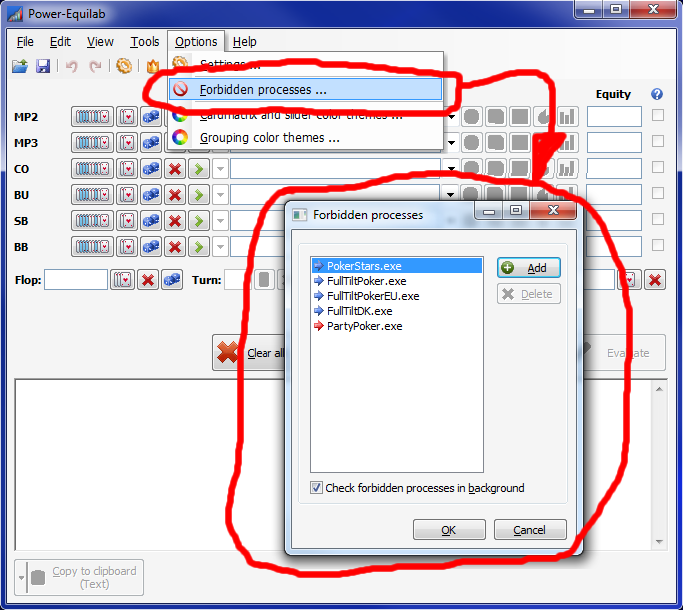
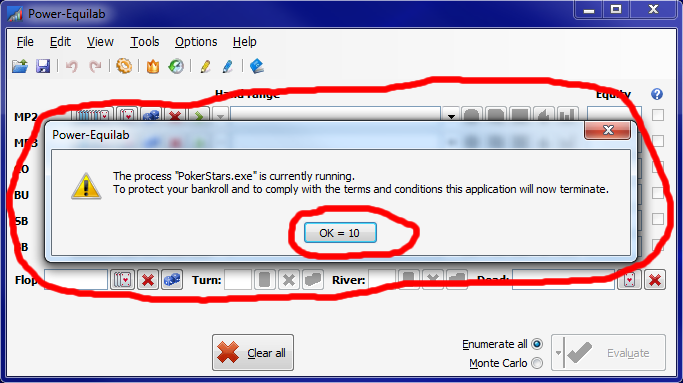
The user can define a list of forbidden processes. Power-Equilab will terminate if one these processes are running while Power-equilab is open.
This is very usefull to protect your bankroll and to comply with the terms and conditions of some poker-rooms:

If Power-Equilab detects that one of the defined process is running, it will terminate within ten seconds.

best regards, nopi


Reply
Quote
nopi
Joined: 18.08.2006

Version 1.9.17.0 is out now.

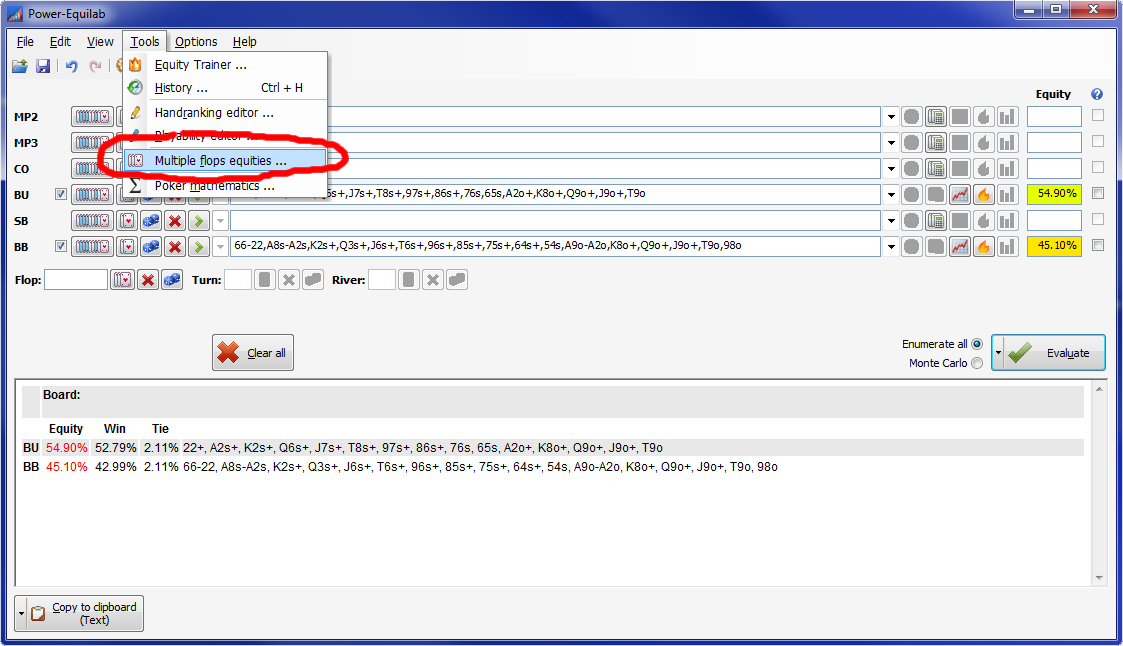
Power-Equilab now offers a pretty cool feature: Multiple flops equities.
This calculation takes a subset of flops and calculates for every flop the correspondingly equity.
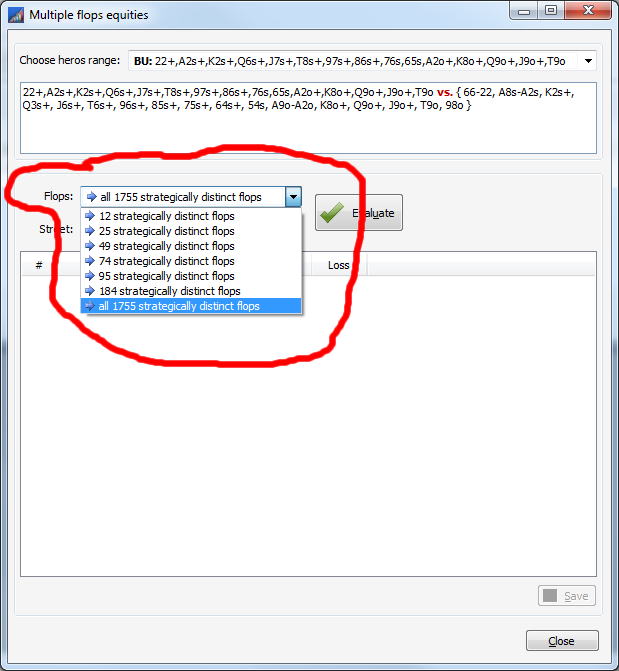
Power-Equilab offers seven subsets of flops (from 12 strategically distinct flops up to all 1755 strategically distinct flops).
It is not necessary to calculate all 22100 flops, it is enough to calculate in the most accurate case the 1755 strategically distinct flops (F. e. AdAhAs is equivalent to AdAhAc etc.).

If you have entered at least two ranges in the mainwindow, the new feature "Multiple flops equities" is available:

The ranges will be taken from the mainwindow and you can choose heros range:

You can choose between seven subsets of strategically distinct flops:

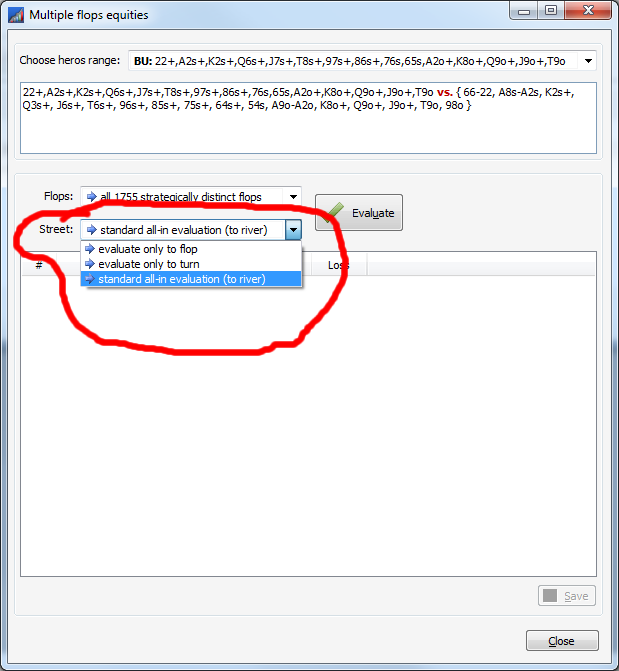
Also so you can choose to which street the calculation should be done:

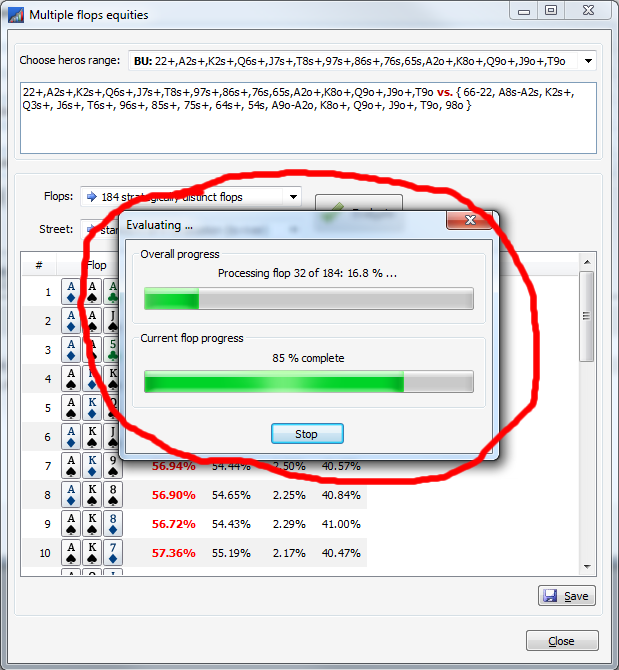
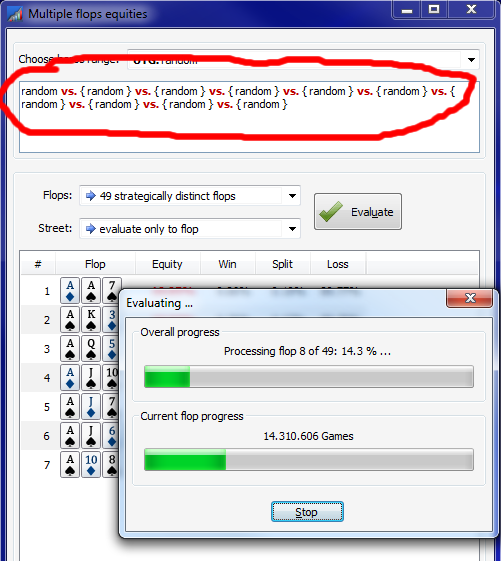
A double progress-bar gives feedback:

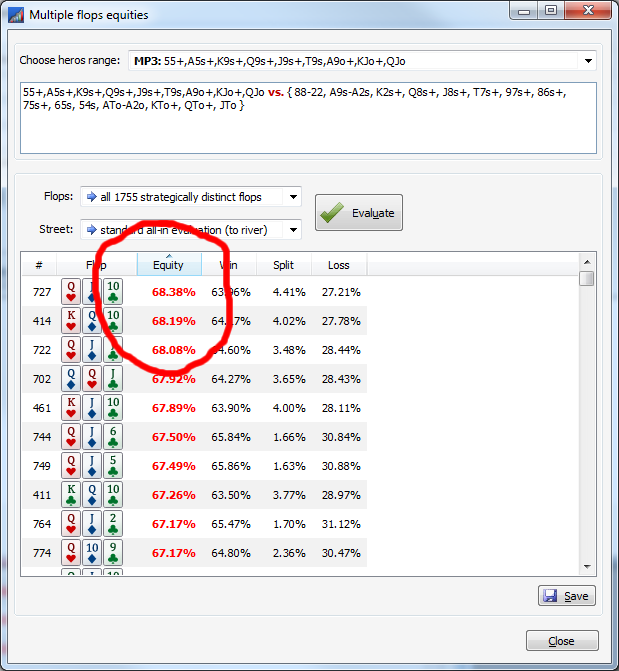
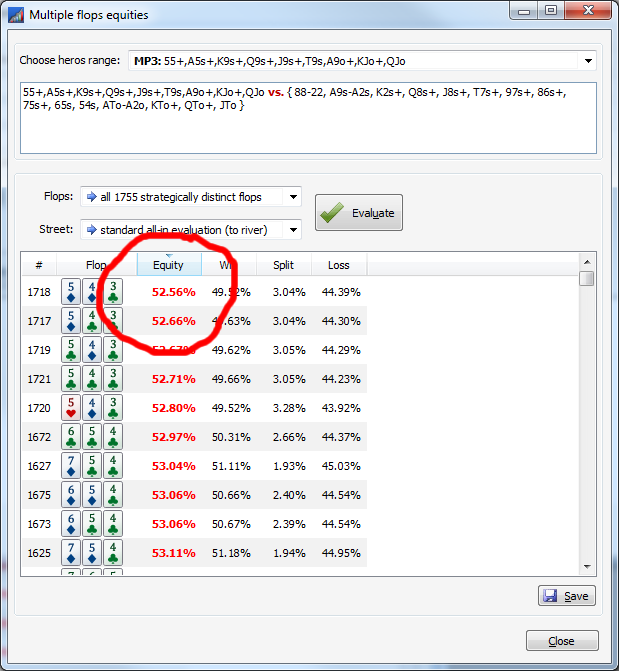
Of course , you can sort every column in both directions. This is very usefull to indicate the best and the worst flop:

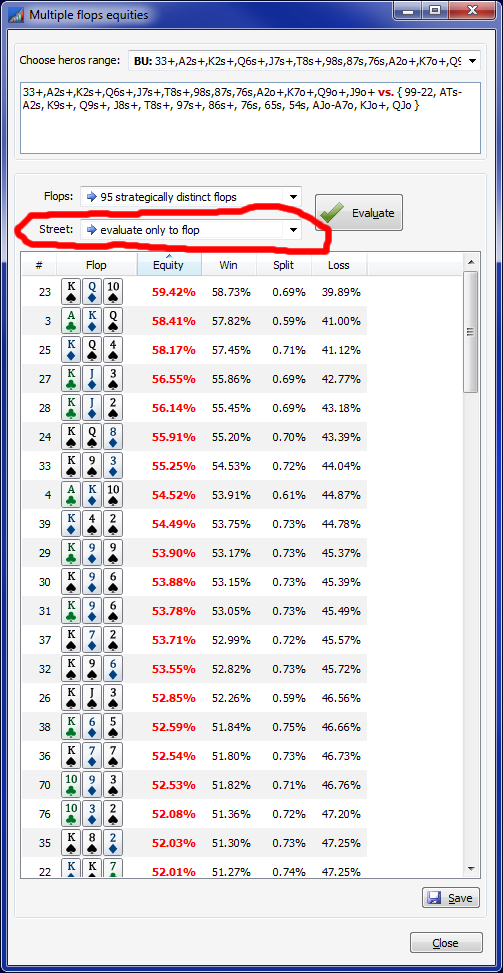
To run the calculation f. e. "only to the flop" is usefull, if you like to find out how often you are ahead at the flop (f. e. to place an appropriate protection bet):

Of couse, this new feature works with up to ten ranges:

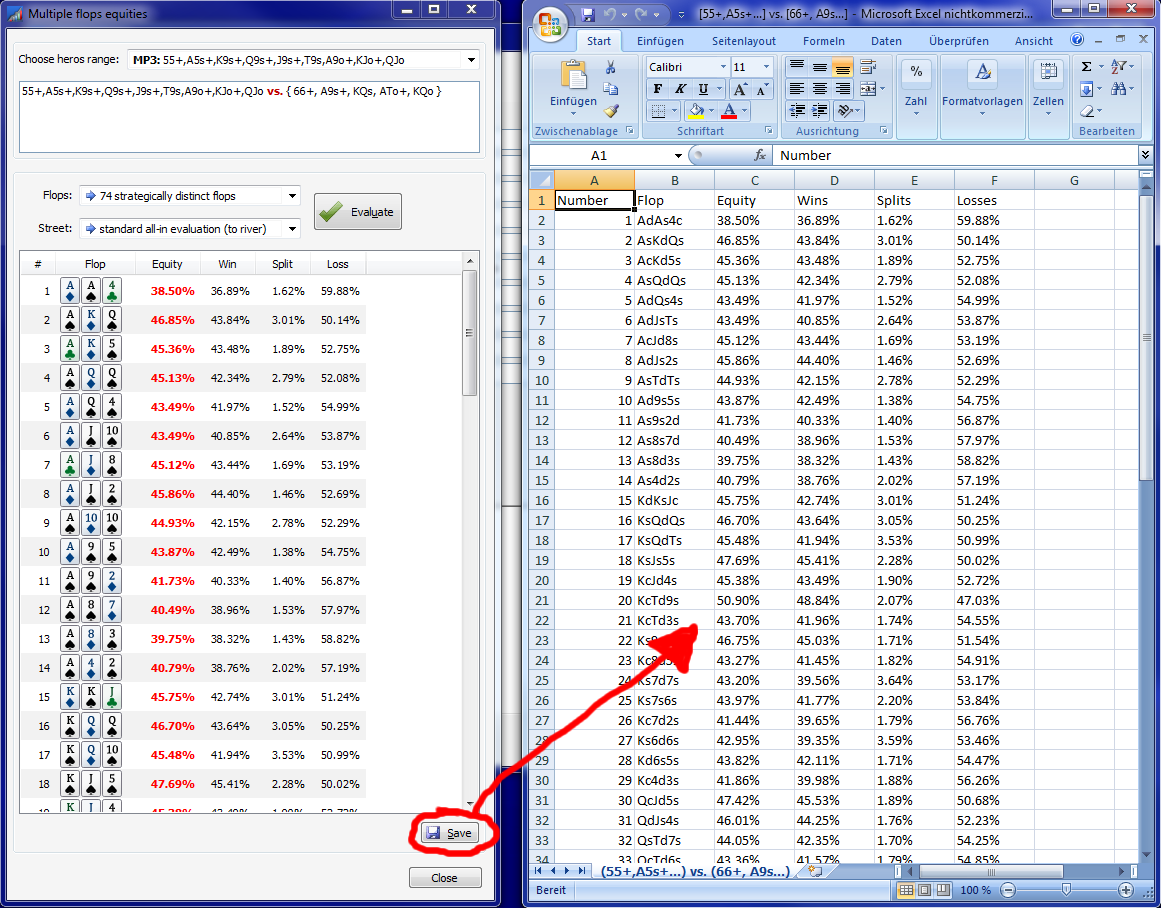
You can save the results in order to rework the results with other spreadsheet tools:

best regards, nopi


Reply
Quote
Coach
w34z3l
Joined: 03.08.2009
nopi
Joined: 18.08.2006

Originally posted by w34z3l
This was implemented or?

sorry ... what do you mean?


Reply
Quote
Coach
w34z3l
Joined: 03.08.2009

Sorry for that bad and meaningless question.

What I wanted to ask was in response to this post a while back from Assetgasse. Any update on this feature?

Originally posted by Assetgasse
is there a way to apply different colour ranges to the same hand for example: i want to mark AKs i want to call 3bet AdKd,AhKh, and and 4bet jam AcKc,AsKs. Is there just the weighted ranges
like in pokerranger


Reply
Quote
nopi
Joined: 18.08.2006

Originally posted by w34z3l
Sorry for that bad and meaningless question.

What I wanted to ask was in response to this post a while back from Assetgasse. Any update on this feature?
...

Yes, this feature was implemented in version 1.7.0.0 in september 2015.
I quote myself:

Originally posted by nopi
...
3. Multiple groups for one combo.
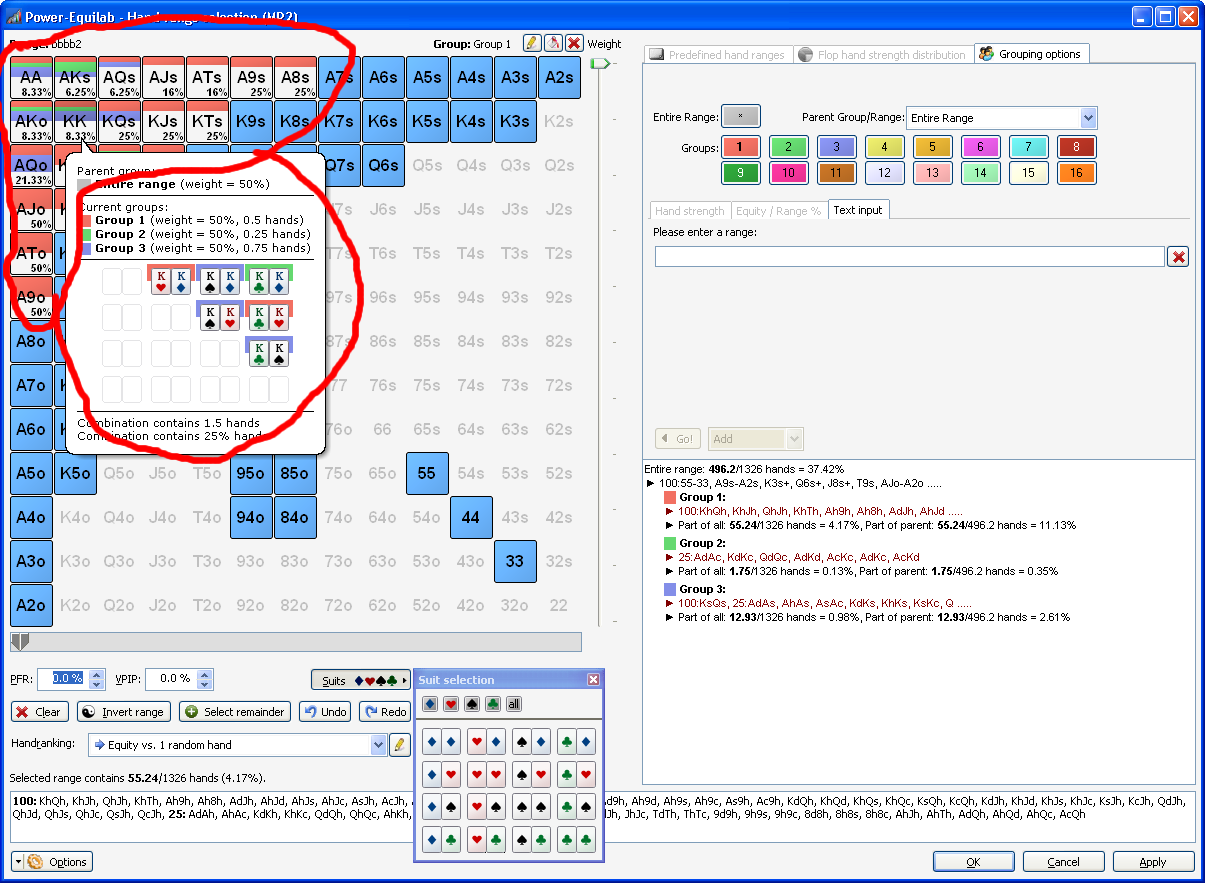
Single hands of one combo now can belong to multiple different groups.
The selection can be performed manually or by calculation the equity-borders or selected hand-strengthes.

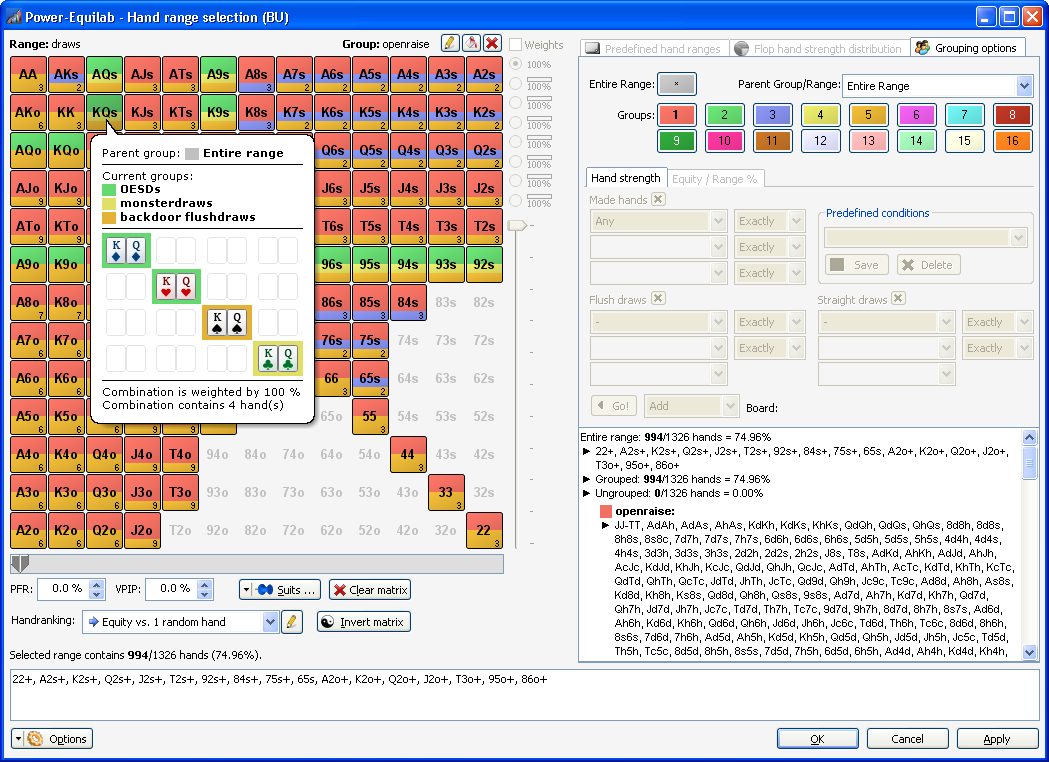
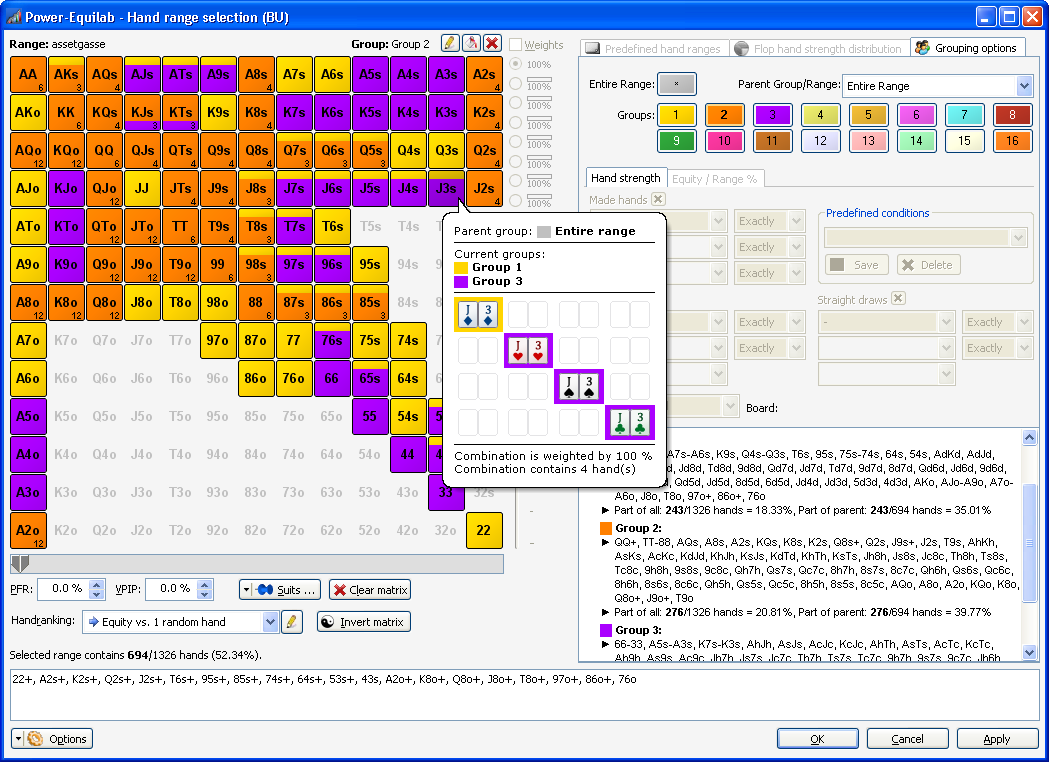
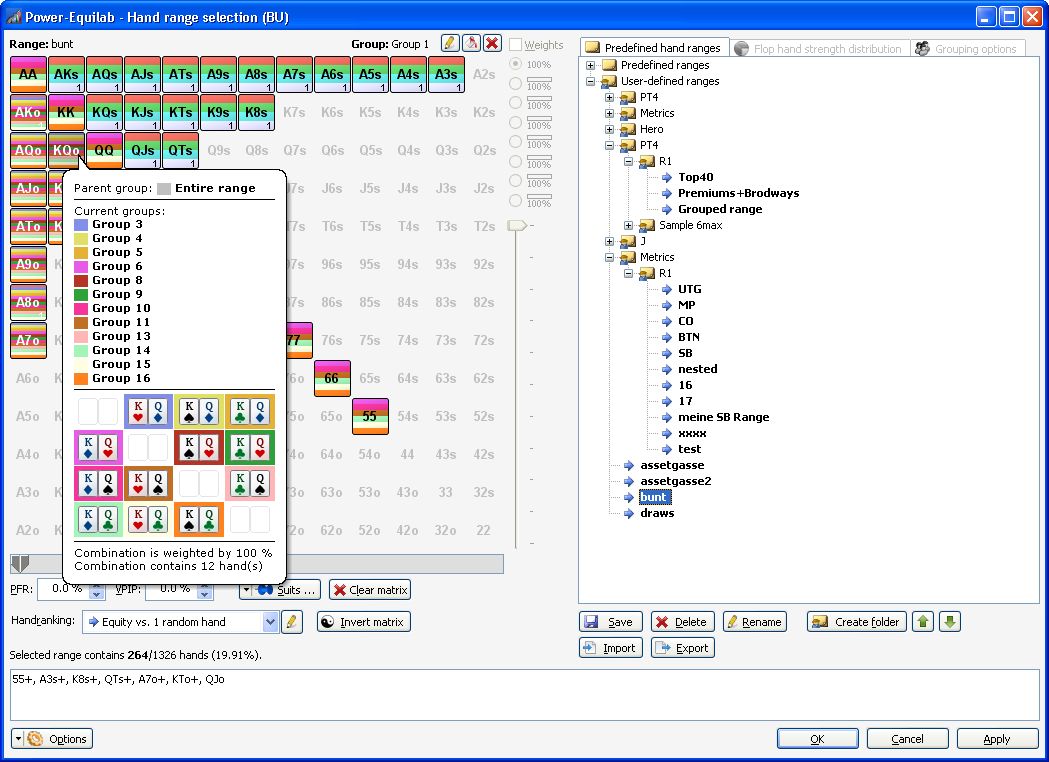
Up to 16 groups for offsuits are possible:

...

In Addition with the great update to version 1.8.0.0, you have near endless possibilities to create your ranges. I have to quote me again:

Originally posted by nopi
Hi,

the waiting has an end ... there is a new, absolutly great update to version 1.8.0.0 out now.

Here is an overview of the news in version 1.8.0.0

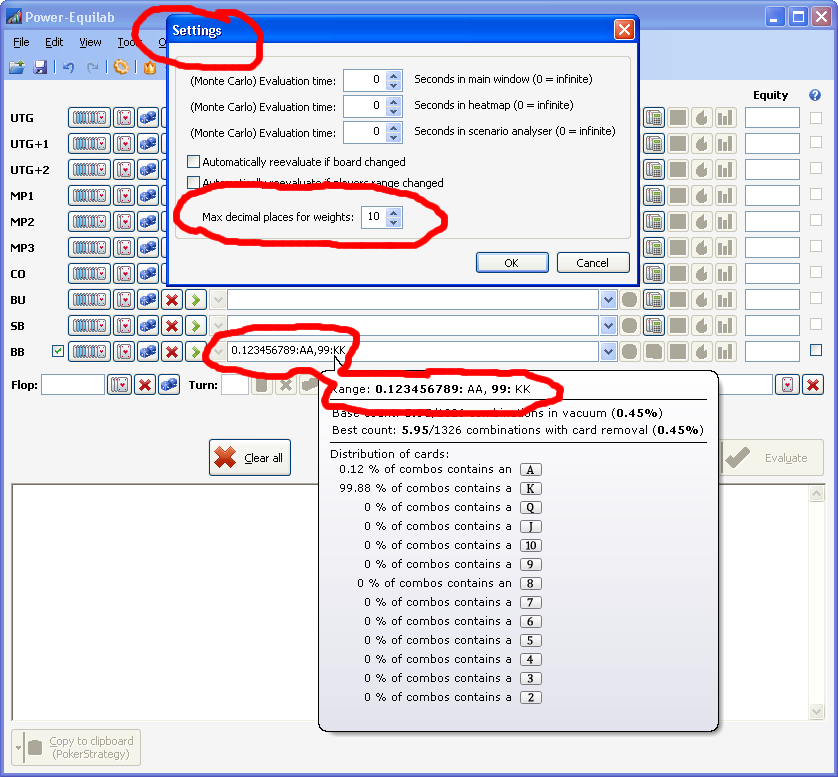
● Weights with up to ten decimals to use with GTO-Solver export:
Use the weighting syntax to define weights with up to ten decimals. Import weighted ranges with decimals from GTO applications (PIOSolver, GTO Range Builder etc.).

● Different weights for single hands in one combo.
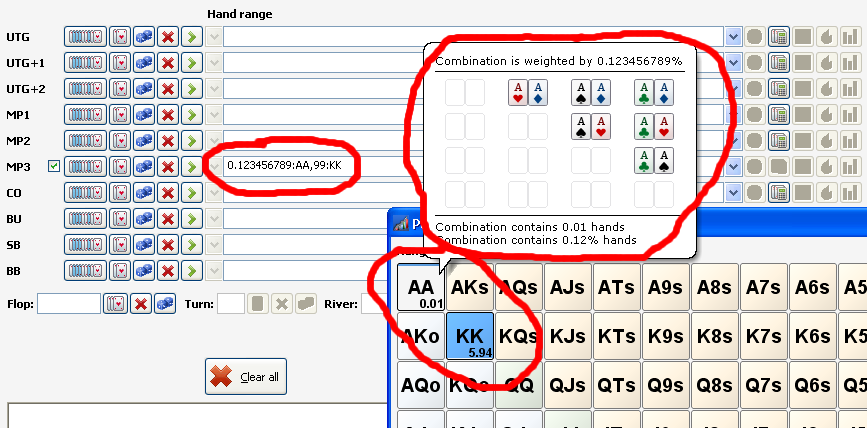
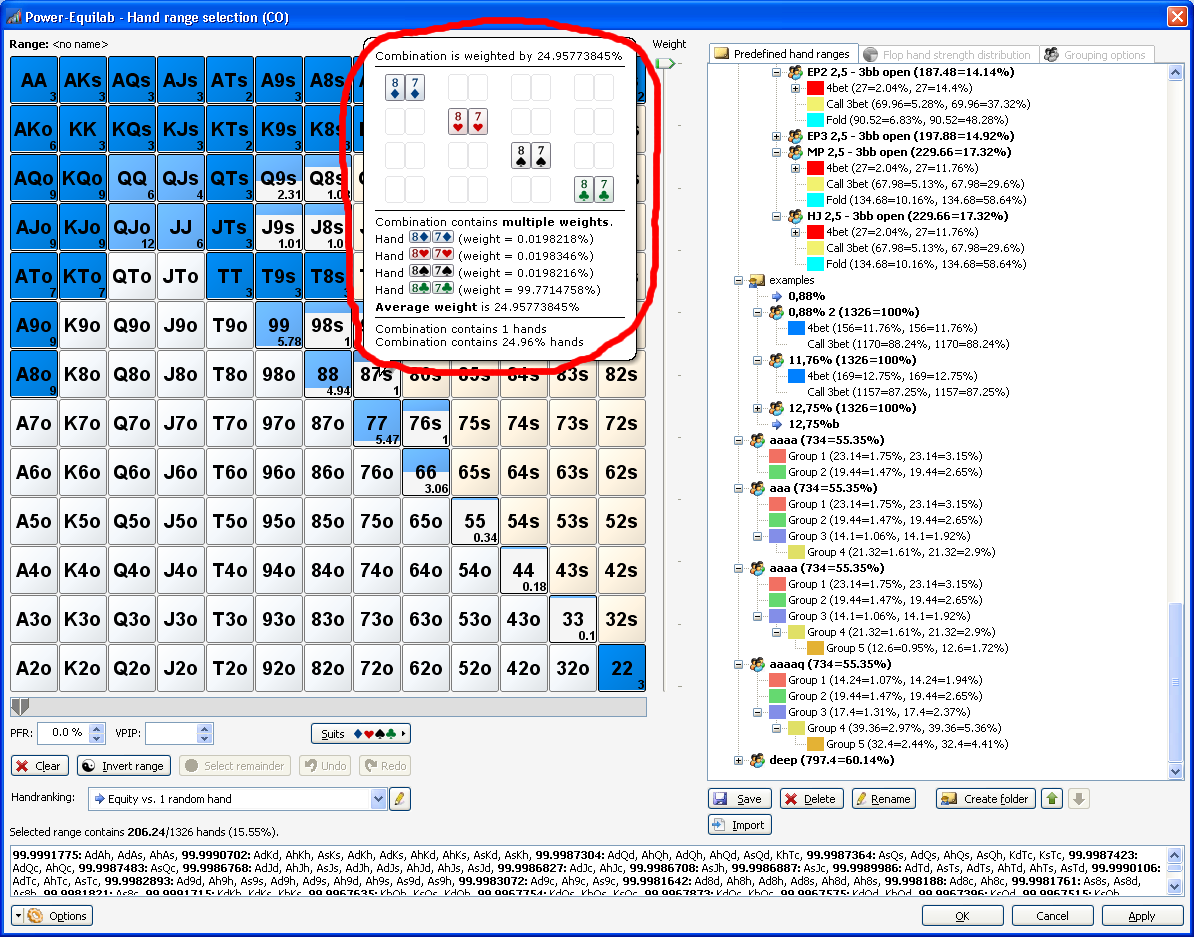
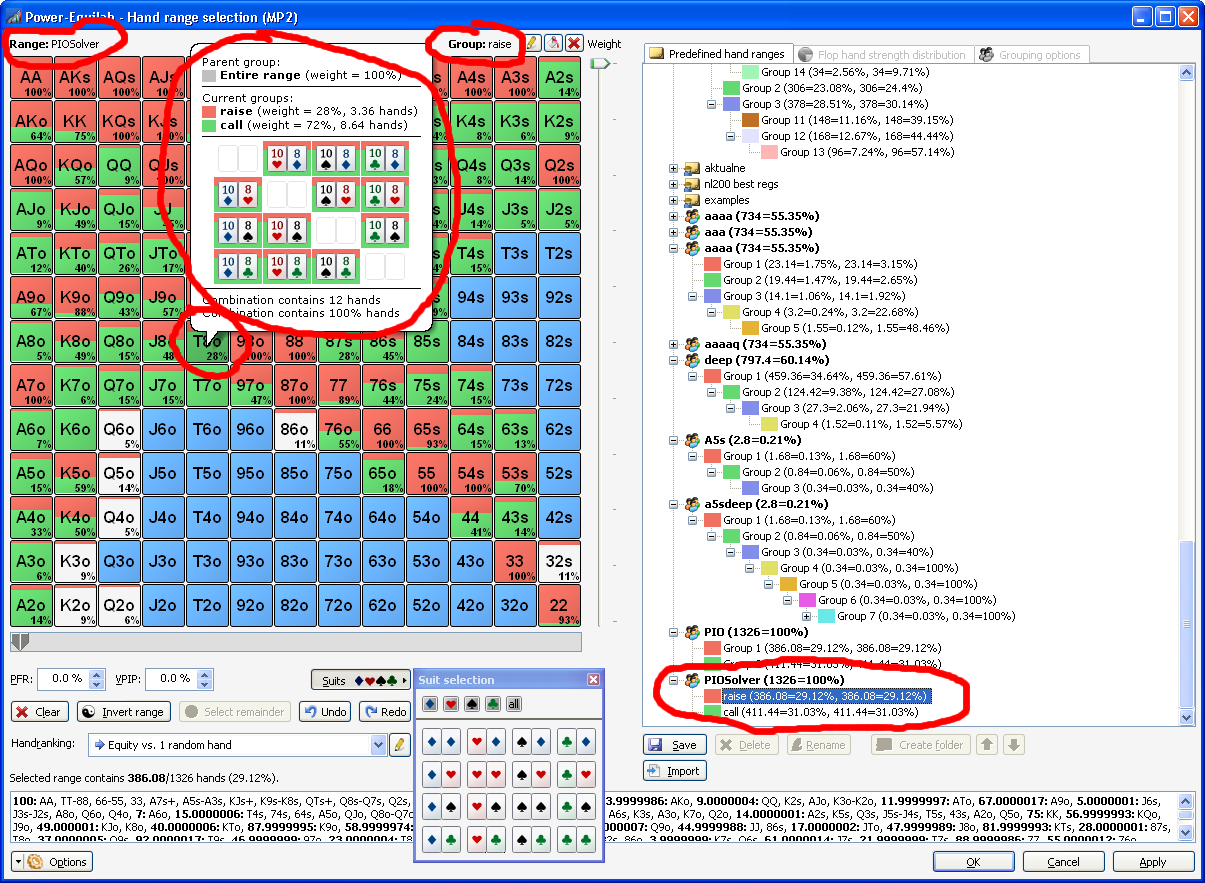
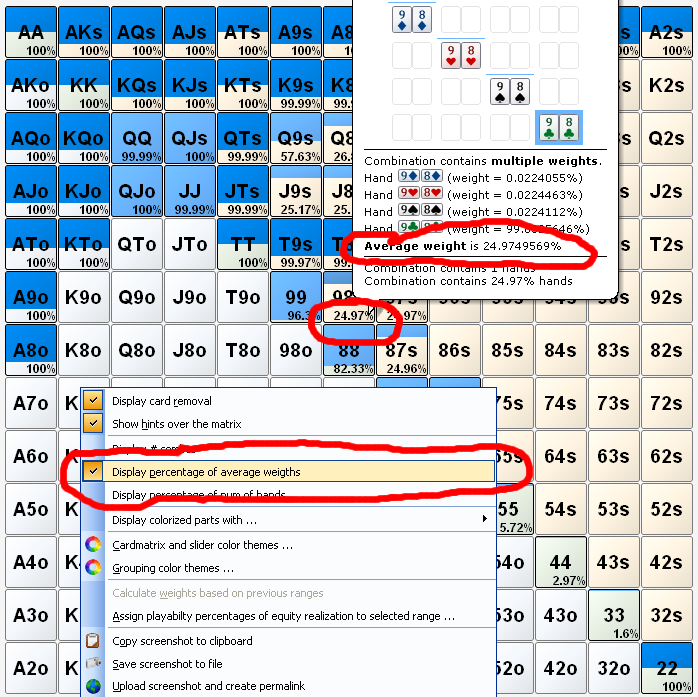
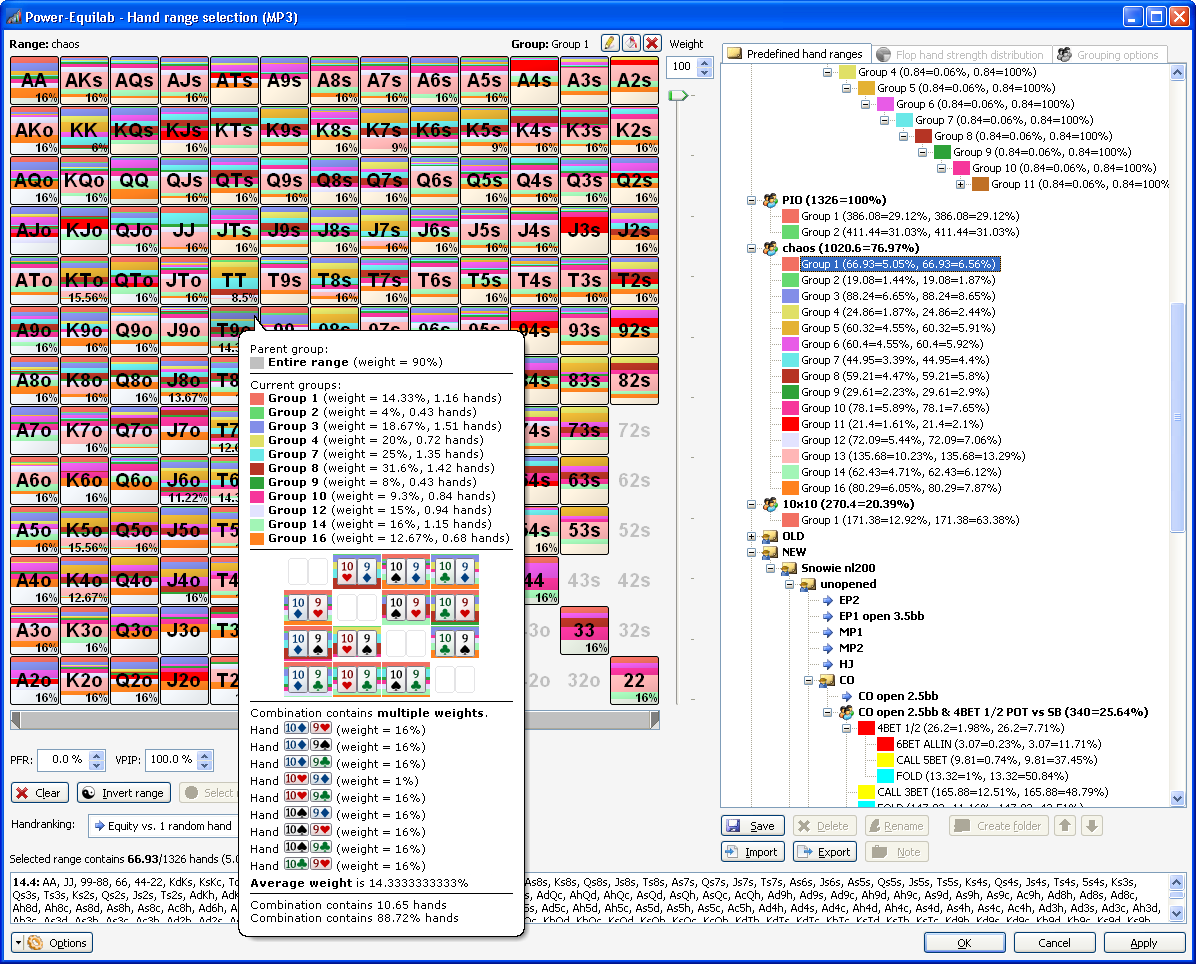
Single hands in one combo can be weighted with different values. The colorized part in the matrix shows the average weight in this combo.

● Weighted hands in different groups
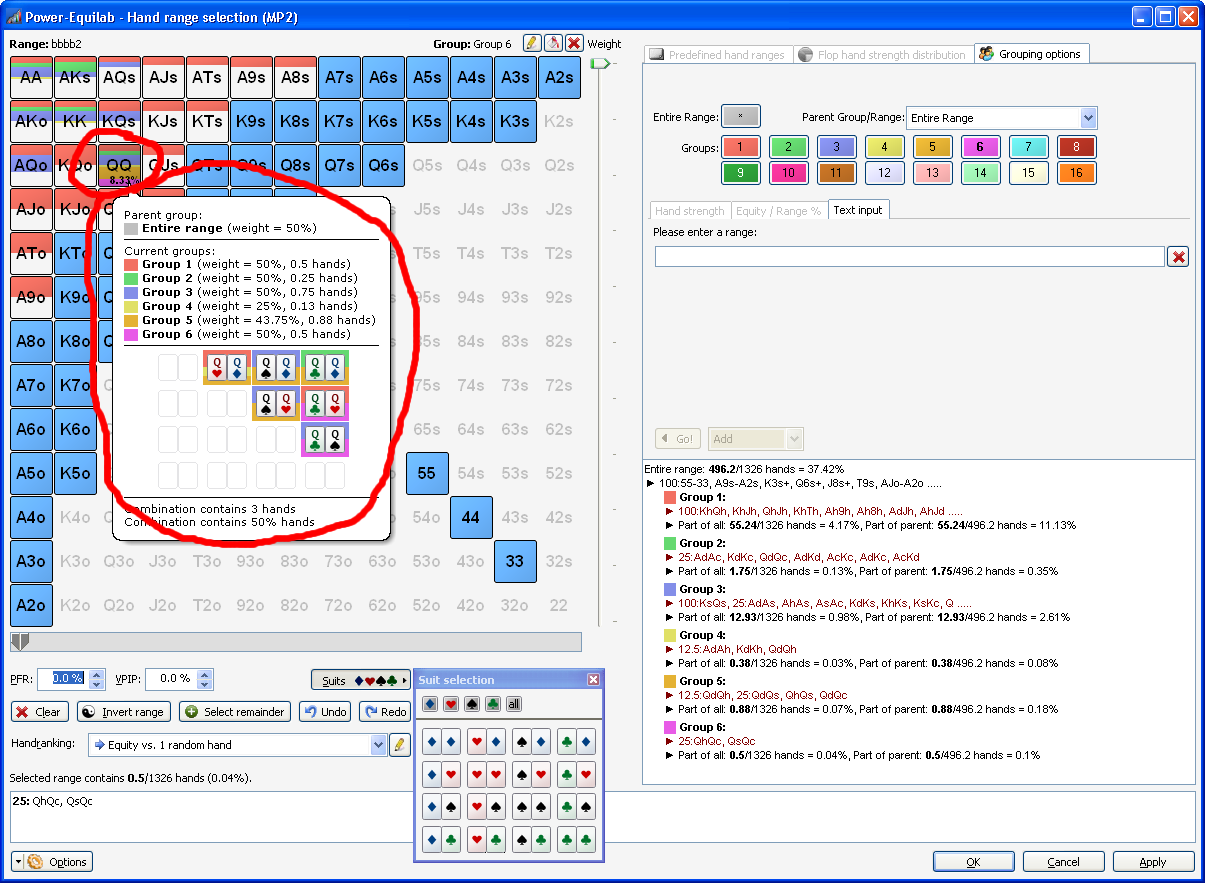
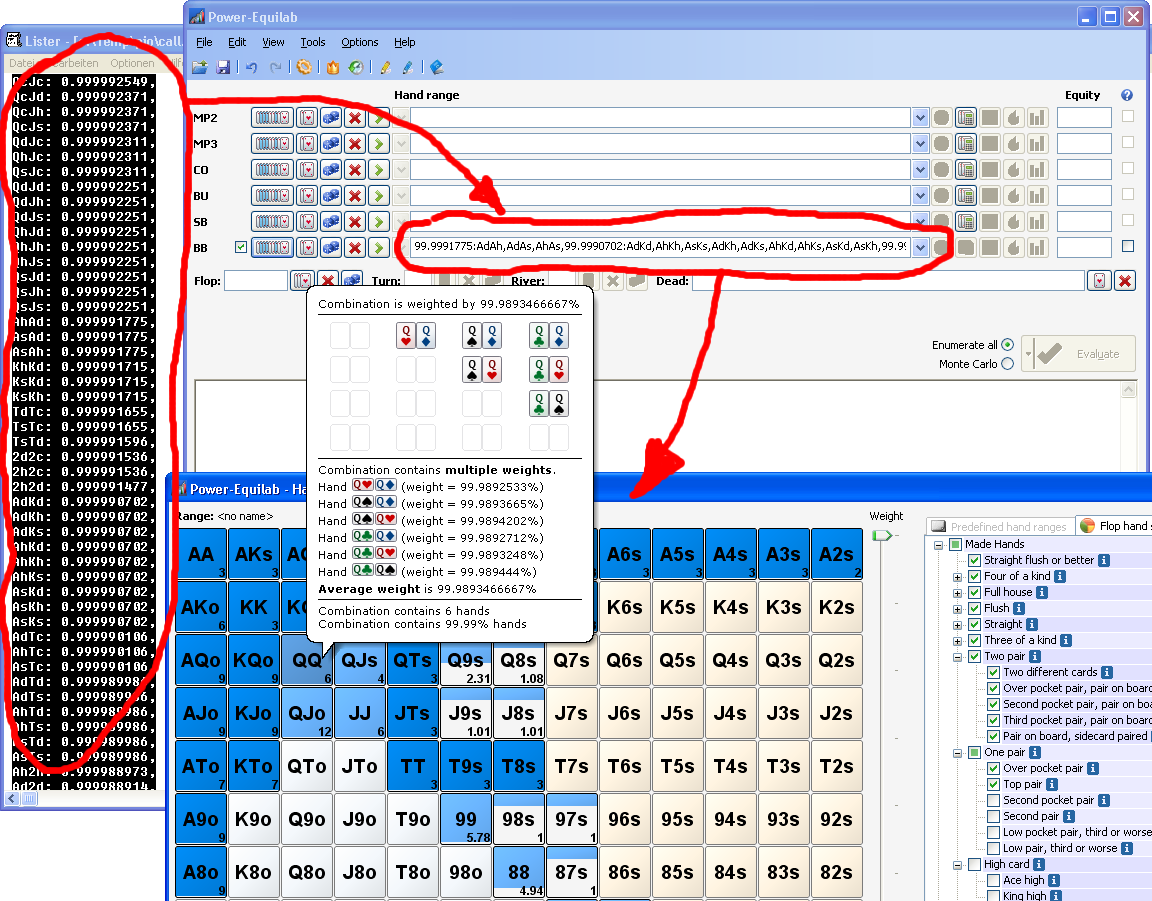
You can distribute the 100% weight of one hand to different groups. For example you can put 28% of a hand into one group and the remaining 72% into an other group. Of course it works with up to 16 groups. The weighted parts are colorized accordingly to his weight in the bubbletips.

● Weighting of subgroups and recursively weighting of subgroups
Now, you can weight hands or combos in subgroups. This works recursively up to 16 levels. You define the weight of a subgroup relative to his parent (100%). Power-Equilab automatically calculates the corresponding multiplied recursively weight.

● Displaying weights as percentage parts in three different ways.
You have three options to display the weighted groups in the matrix.
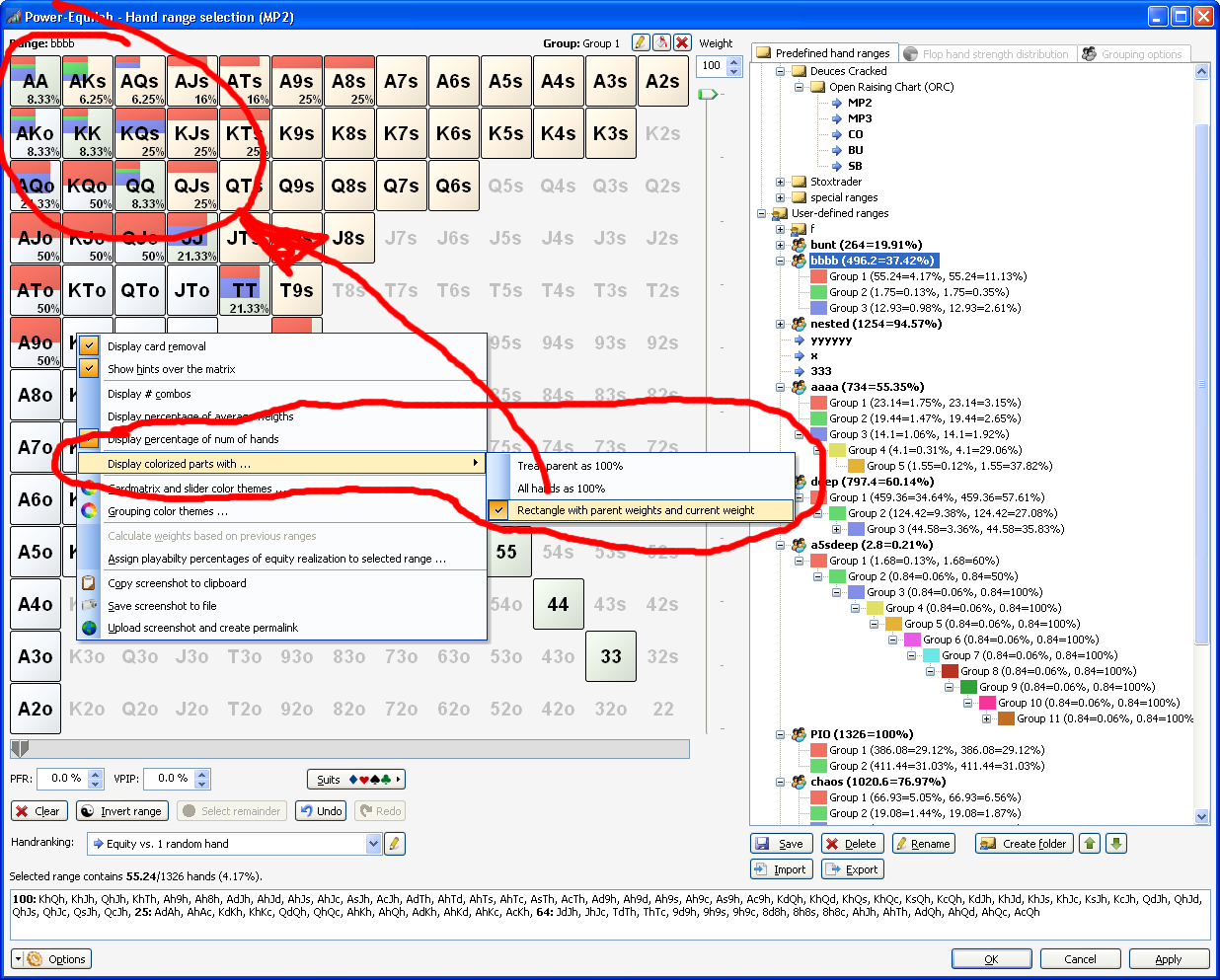
- "Treat parent as 100%": The weight of the groups will be displayed relative to his parent.
- "Treat all hands as 100%": The weight will be displayed absolute to all possible hands in this combo.
- "Rectangle with parent weights and current weight": The recursively weight of all parents are displayed in width, the weight of the affected hands are displayed in height.

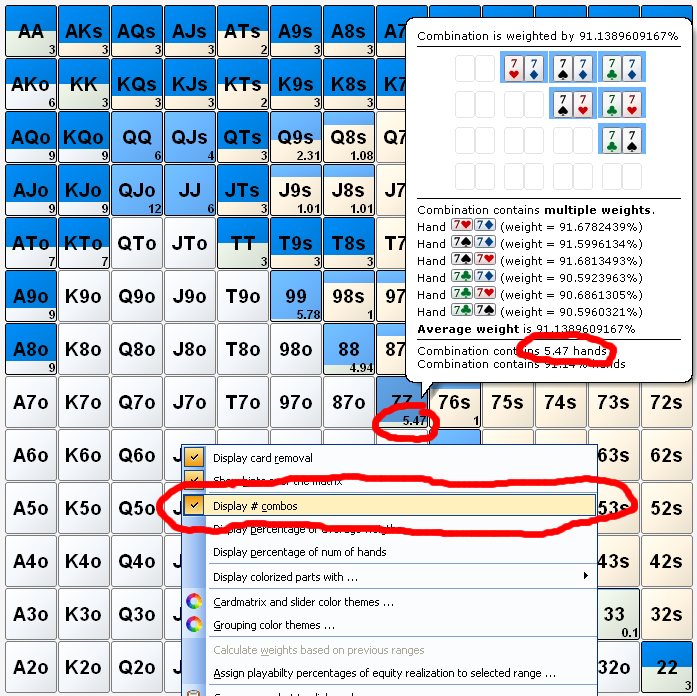
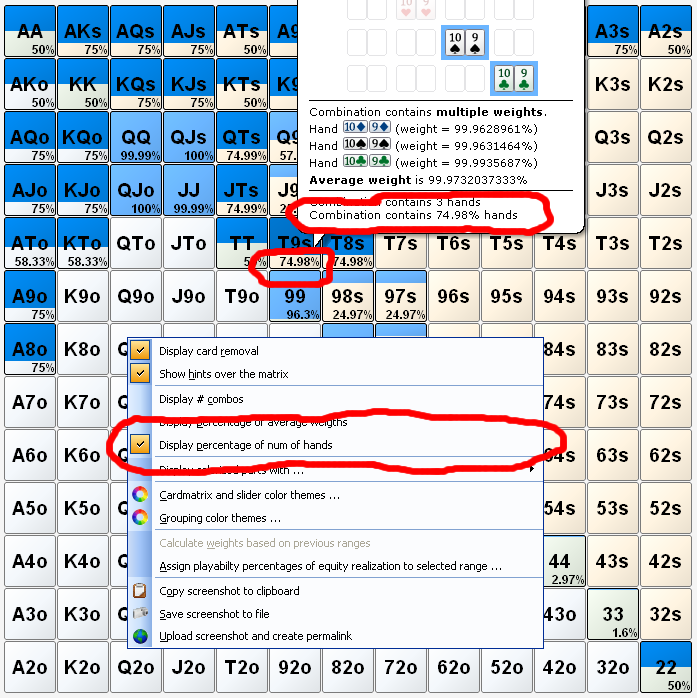
● Displaying number of combos or percentages in three different ways
You have three options to display the number of combos or percentages in the matrix.
- Number of combinations:

- Percentage of average weights:

- Percentage of num of hands:

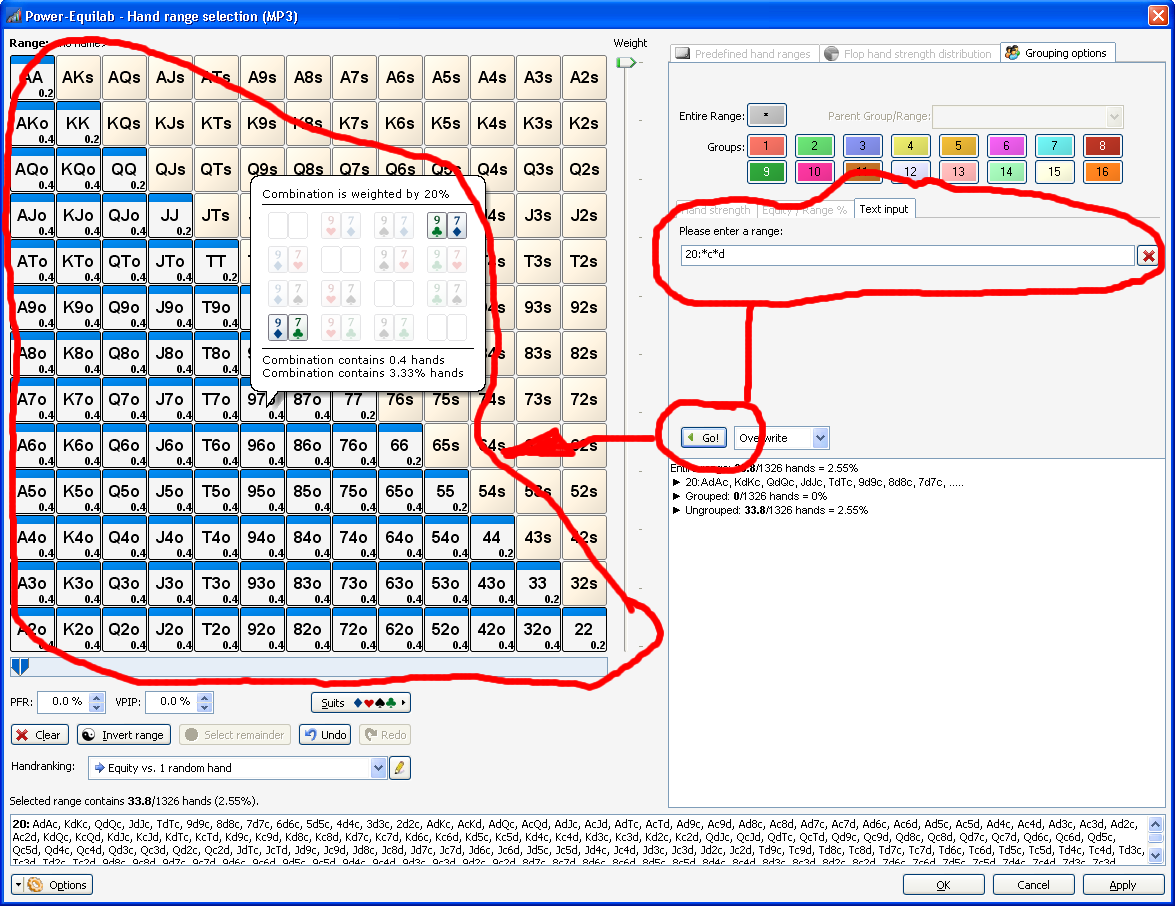
● Select groups and subgroups by textual input including weighting syntax

● Adjustabel number of decimal places for weighting

● Explorable entries in saved ranges for grouped ranges
Grouped ranges are now explorable in the list of your saved ranges. Now you have a perfect overview of your ranges and you can easily select the required subgroup.

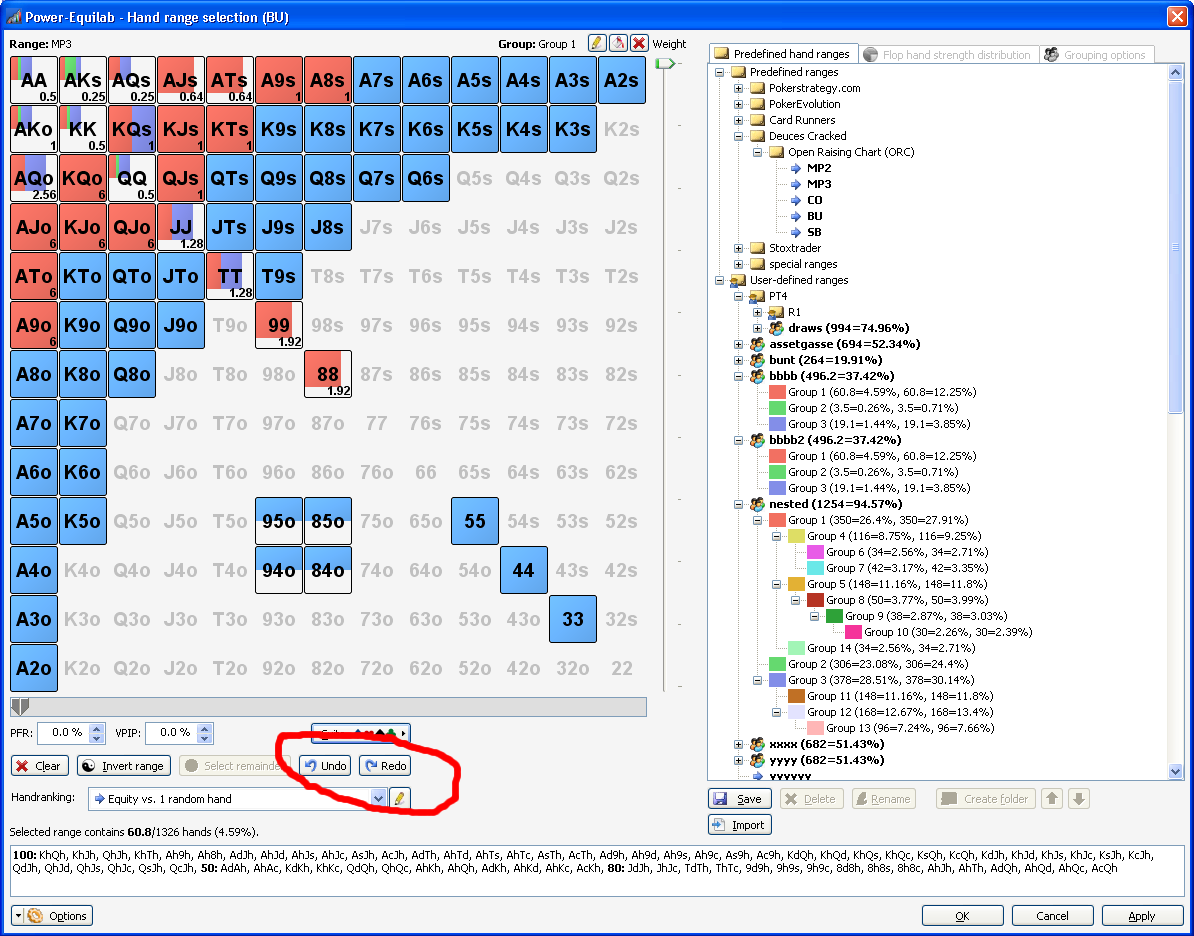
● Undo/redo in handrange window
Full Undo/Redo functionality to correct wrong input

● Select remainder in handrange window
"Select Remainder" button to select the remaining unselected parts of all combo to the current group.

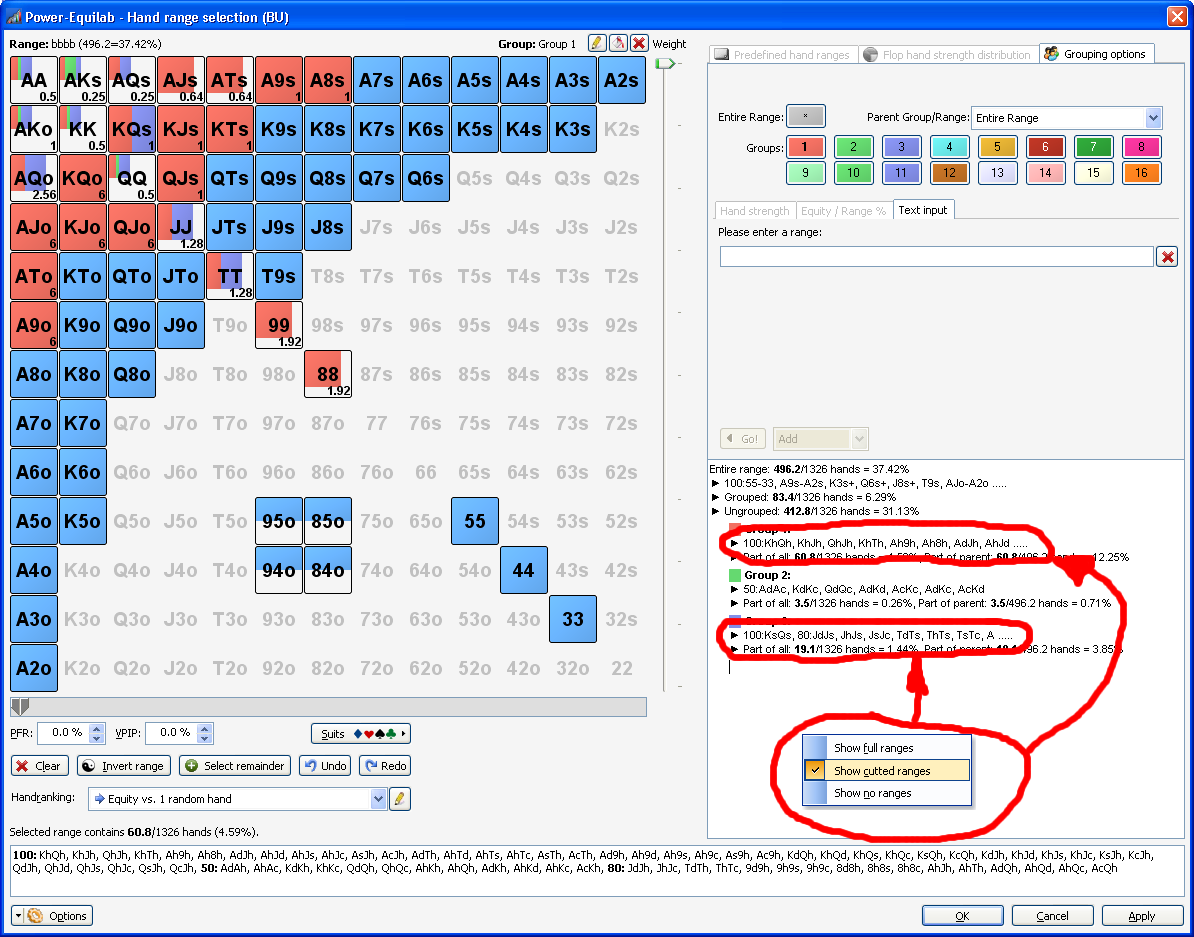
● Option to hide/cut long rangetexts in handrange window
Option to hide / cut long range texts in the hierarchical display to increase the readability.

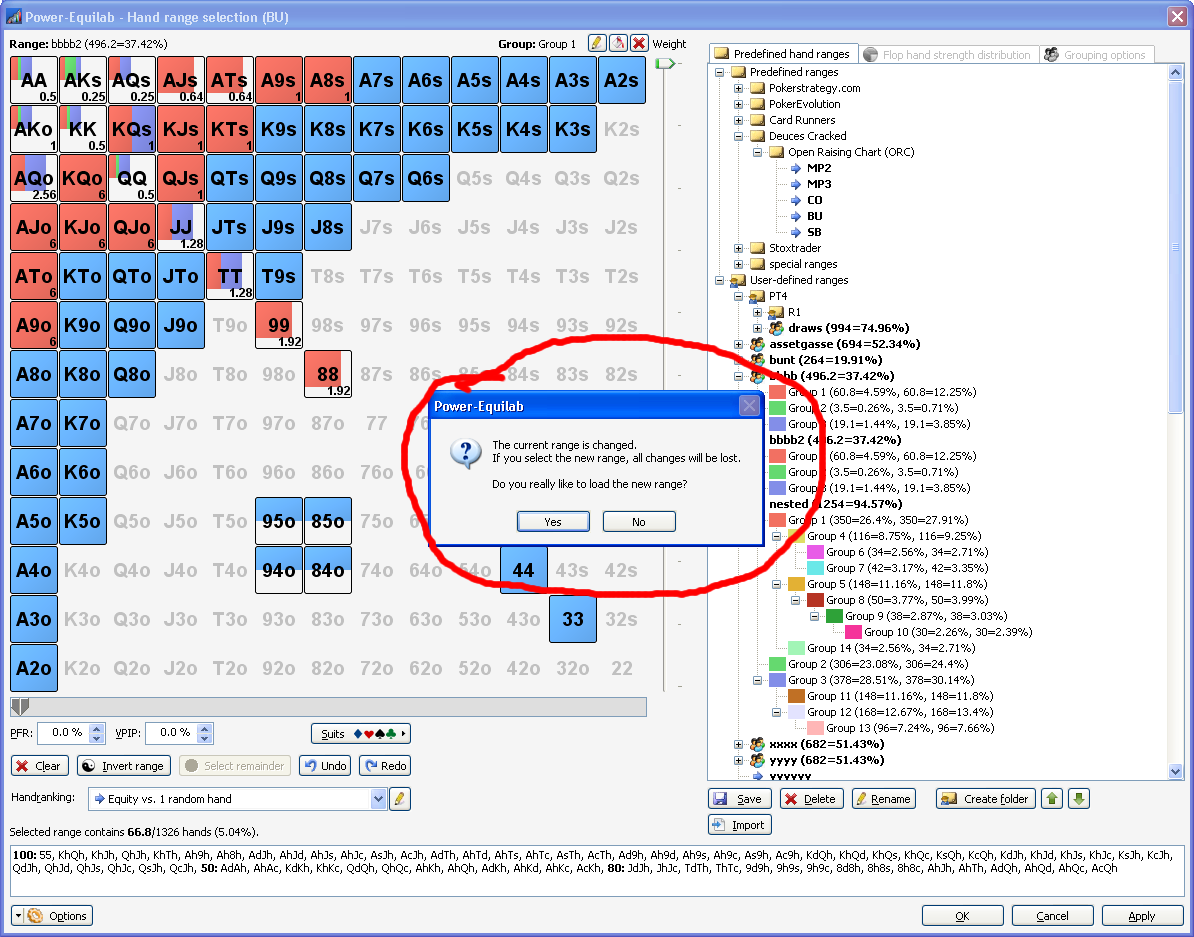
● Securitiy question, if an unsaved range whould be overwritten

● Smarter resize in handrange window

● Playability export to use in CREV as custom factors

● Import (paste) handranges from CREV and Flopzilla including weighting syntax

● Import (paste) handranges from PIOSolver and GTO Range Builder including weighting syntax

● Export weighted handranges with “bracket syntax” to use in CREV

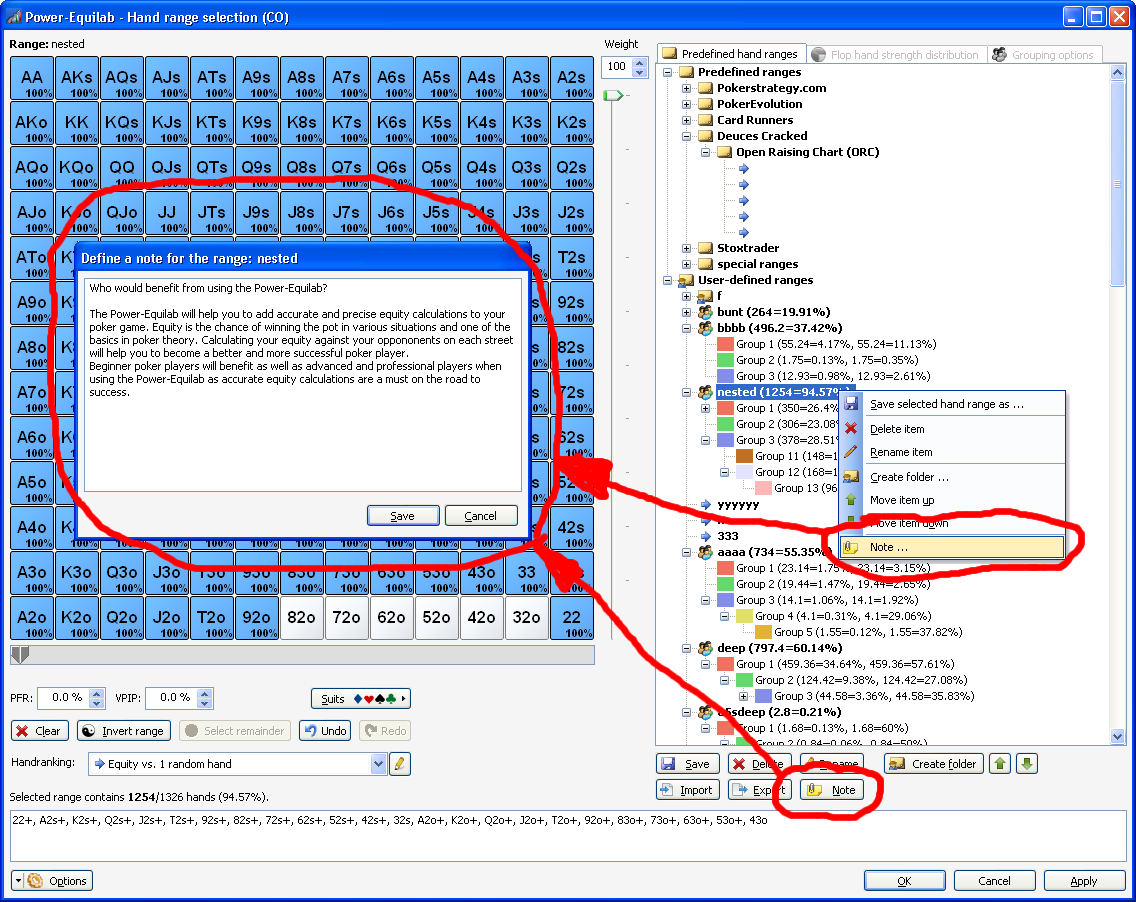
● Define your own notes to your ranges

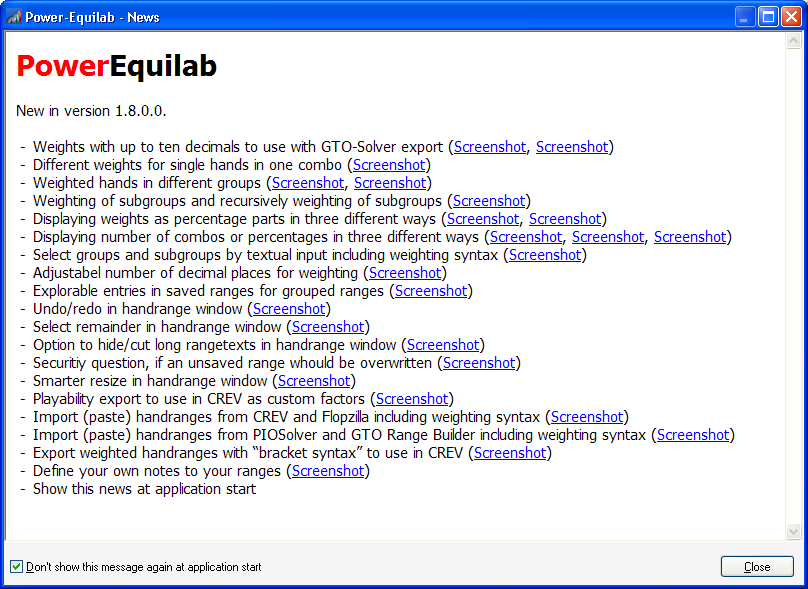
● Show some news at application start

● Here is an overview of all features.
● Here you can download the latest version (and older).

We hope you enjoy this update. Feel free to ask any questions or send an mail to support@power-equilab.com

best regards, nopi

... and if you like ...

Spoiler

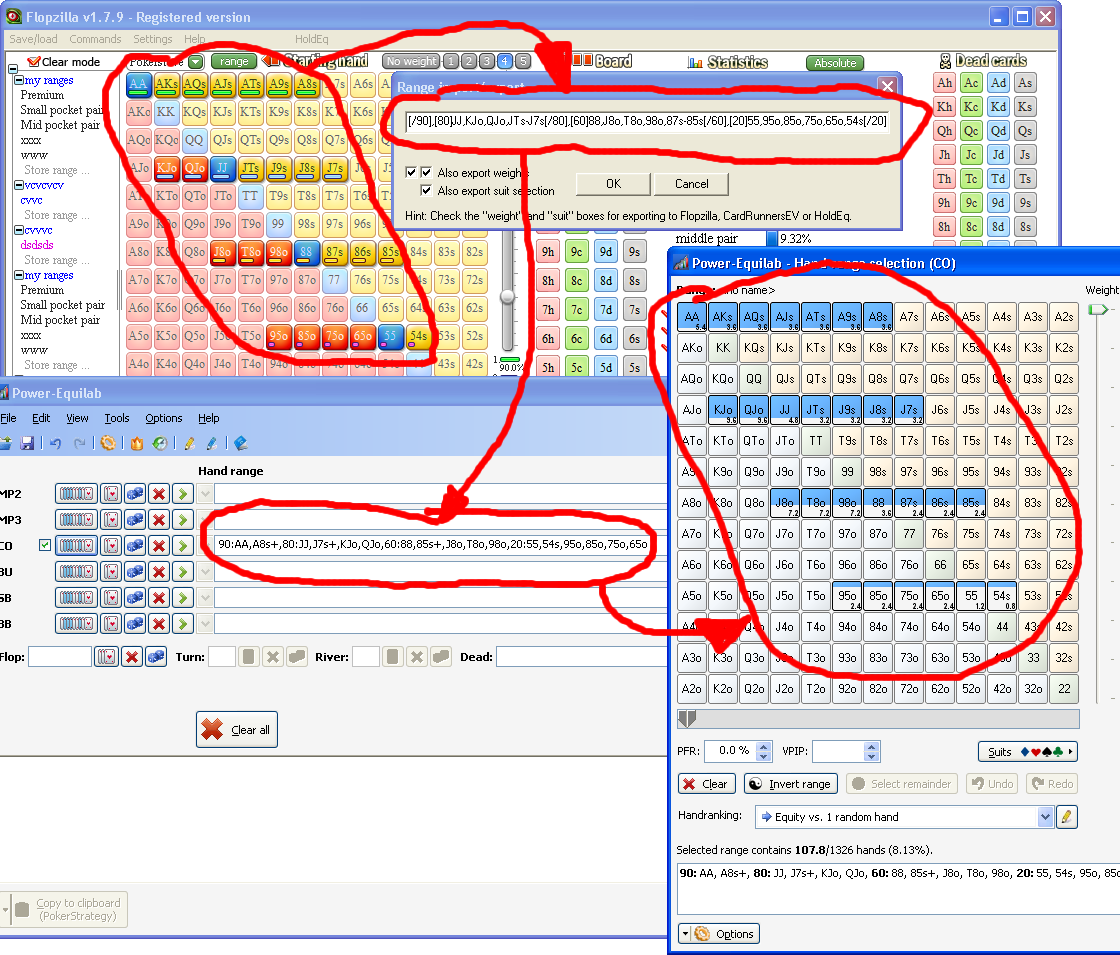
... putting all together into mess ...

best regards, nopi


Reply
Quote

W34z3l, can you give me a link to your Equilab hand-charts? I am working on my opening ranges, 3Bet ranges etc..
Thanks a lot!


Reply
Quote
Coach
w34z3l
Joined: 03.08.2009

@nopi - Thanks a lot for taking the time to repost the info.

@mresprectro - You can get some older ranges for free in the w34z3l's walkthrough thread. If you want my latest ones they are for sale, you can get the info if you add me on skype. (Skype alias the same as pokerstrategy.com alias, the one from UK)


Reply
Quote
nopi
Joined: 18.08.2006

Version 1.9.22.0 is out now.

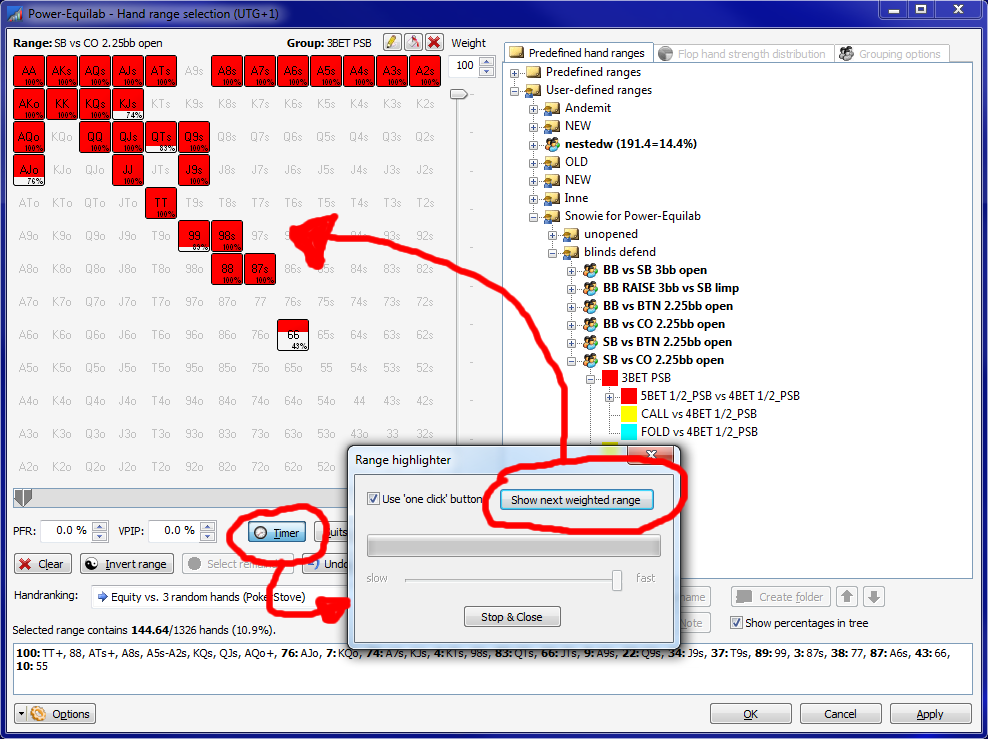
In the timer-dialog you can choose between manually or automatic creation of a new range.

best regards, nopi

Reply
Quote
nopi
Joined: 18.08.2006

Version 1.9.23.0 is out now.

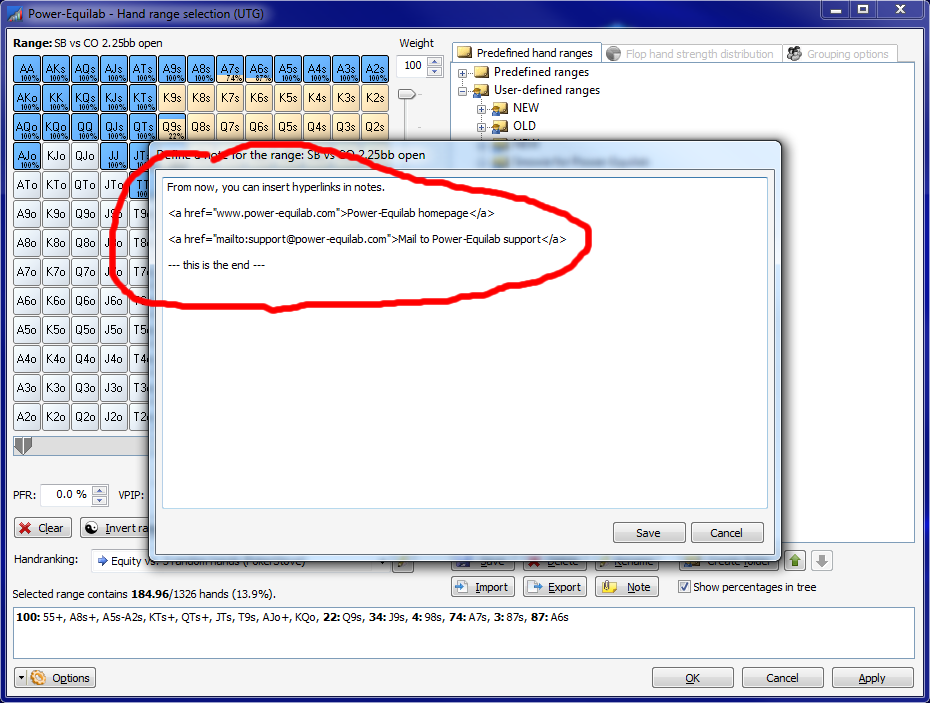
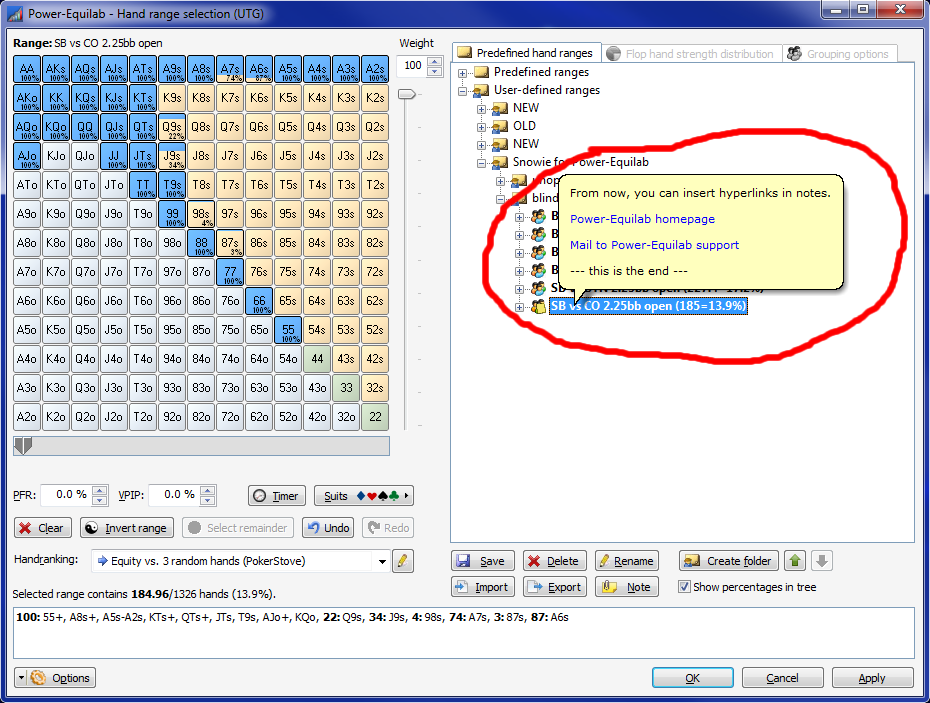
You can insert hyperlinks via HTML-syntax in your notes.
F. e. you can note from where you have obtained the range (article in the internet or something like that)

best regards, nopi

Reply
Quote

nopi:

1) I have a range which consists of six grouped subranges. The majority of the time I only need to work with one of the subranges, but occasionally I need to combine two or more of the subranges to determine the equity of the combined ranges vs an opponent. For example My range named UTG RFI might consist of Raise First In from BTN in Group 1, and Raise or Fold in Group 2. There are times when I need to combine the subranges of group 1 and 2, how can that be done?

2) I have noticed that I can type in a new hand range manually in the main window's Hand Range field, but once I have a range defined then components of the hair range will delete itself if I type a comma. Another example, say the range is [22,AQs-A2s,82s,AQo-A2o], if I click to insert the curser after the A2o and click backspace then [,AQo-A2o] is deleted. This appears to be a bug but it may also be a feature that is not working correctly - please advise.

3) I double click to select an entire range % field (such as in the Hand Range Selector's VPIP field) and then type in the number I wish to use, the first number is populated correctly, but then the curser jumps to the position after the "%" character and the second digit (or more) of the number is populated in the wrong position. This is clearly a bug.

4) Are there any keyboard shortcuts?

5) Can you please provide a great tutorial on how to best use the Grouping system? I primarily use CRev, but I expect to do most of my work in power-equilab going forward because the grouping system appears to be the best way to save my complex ranges. How did you anticipate the grouping system to be used? Can we mass edit the names of all groups across all ranges at once or do we have to manually edit the names of each group in each range? Can we move the subranges from group 12 to group 16 in a given range? I find the lack of a manual or tutorial video very challenging, but I see the potential that power-equxilab's groups system may provide. I hope to purchase power-equilab once I have a better understanding how the grouping system works.

Thanks!


Reply
Quote

nopi:

I found another bug. I was following along with Sample 2 found on the features page of your website, I entered in the same exact ranges shown and used [JJ-22,AQs-ATs,KJs+,QTs+,J9s+,T8s+,97s+,87s,76s,65s,AQo,KQo,QJo,JTo] on the Button which is a total of 172 combos. I then clicked the Hand Range Selection button, t Hand Range Selection window now displays the hand range as [JJ-22, KJs, J9s+, T8s+, 97s+, 87s, 76s, 65s, AsQs, AcQc, KdQd, KsQs, KcQc, AhJh, AsJs, AcJc, QdJd, QsJs, QcJc, AhTh, AsTs, AcTc, QdTd, QsTs, QcTc, JTo, AhQd, AhQs, AhQc, AsQd, AsQc, AcQd, AcQs, KdQs, KdQc, KhQd, KhQs, KhQc, KsQd, KsQc, KcQd, KcQs, QdJh, QdJs, QdJc, QsJd, QsJh, QsJc, QcJd, QcJh, QcJs] and is listed as 154 combos. I can reproduce this bug even after restarting the application, if I manually type in the Button range by itself with no other positions filled then the range is populated correctly in the Hand Range Selection window. This bug only occurs when there is more than one position populated with a hand or range.


Reply
Quote